
Table of Contents
- Quick answer: how much speed is enough?
- Use bitrate rather than a fixed HD or 4K rule
- Calculate the household demand
- Why fast internet can still buffer
- Ethernet versus Wi-Fi: test at the television
- How much data does IPTV use?
- Test before changing your broadband plan
- When does an upgrade make sense?
- Frequently asked questions
- Check the device setup as well
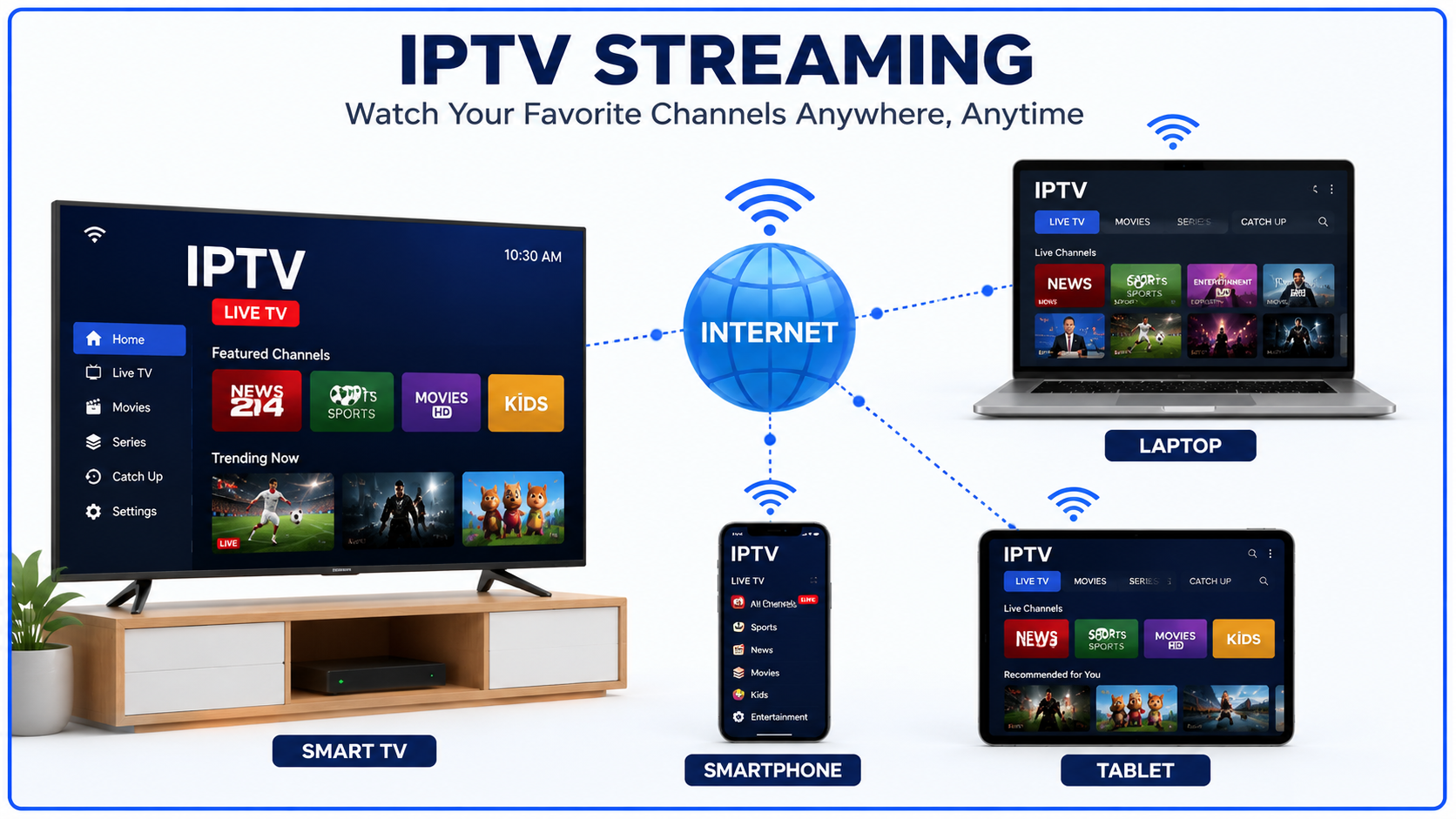
Internet speed for IPTV depends on the actual stream bitrate, how many people are watching and the connection reaching your device. A resolution label such as HD or 4K does not establish one universal speed requirement. Before upgrading your broadband, check whether the problem is capacity, Wi-Fi, the player or the video source.
Quick answer: how much speed is enough?
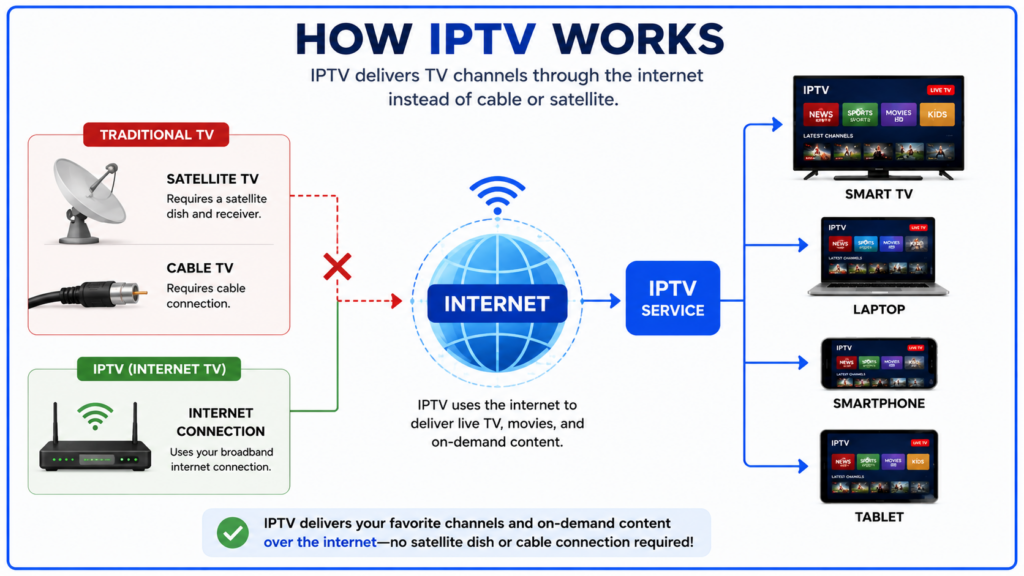
Your device needs enough sustained download capacity for the selected stream, with room for bitrate changes and other traffic. Ask the provider for the stream’s bitrate or check the player’s media information where available. For Smartiflix, test your intended device and viewing quality using the supported setup before committing to a longer plan; see our Smartiflix plan and device guide.
Use bitrate rather than a fixed HD or 4K rule
Bitrate measures how much video and audio data arrives each second. Two streams with the same resolution can use different bitrates because of their encoding, frame rate and picture complexity. Variable-bitrate streams can also need more capacity during some scenes.
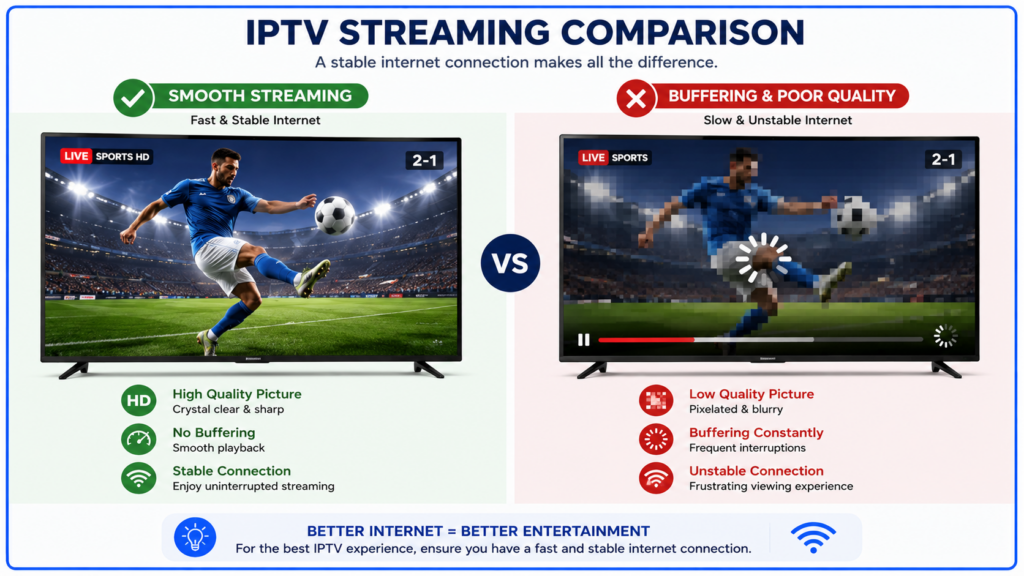
The examples below illustrate capacity planning. They are not measured Smartiflix requirements or universal recommendations for a resolution.
| Example stream bitrate | Illustrative capacity with 50% spare room |
|---|---|
| 4 Mbps | 6 Mbps |
| 8 Mbps | 12 Mbps |
| 15 Mbps | 22.5 Mbps |
| 25 Mbps | 37.5 Mbps |
The spare room in this example is a planning allowance, not a guarantee. A connection can still struggle if the source, network path or player has problems. Some services offer adaptive bitrate playback, which can switch quality as conditions change; others require you to choose another source manually. Cloudflare explains how adaptive bitrate works.
Calculate the household demand
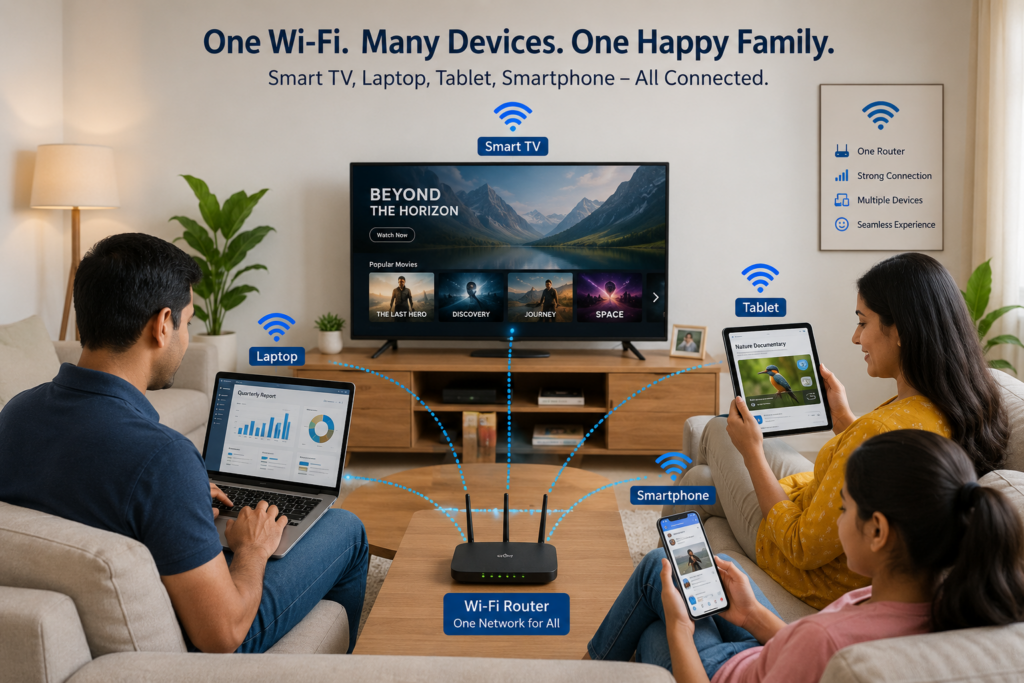
Add the bitrates of streams watched at the same time, then allow for other active traffic and some spare capacity. Count active usage rather than every connected device: an idle phone and a large download create very different loads.
Worked example: two streams at 8 Mbps each plus another activity using 10 Mbps total 26 Mbps. Adding an illustrative 50% allowance gives 39 Mbps. This is arithmetic for that scenario, not a claim that every household needs a 39 Mbps plan.
Your subscription must also allow the required simultaneous streams. More broadband capacity does not increase an account’s connection allowance.
Why fast internet can still buffer
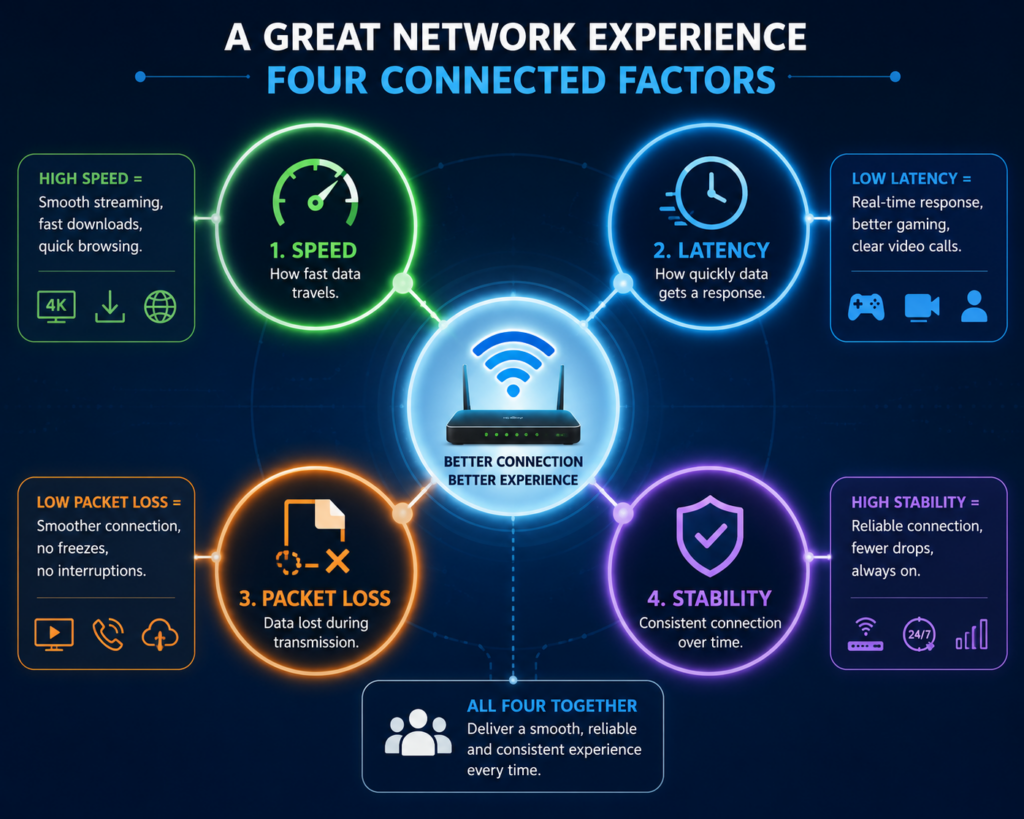
A speed test measures a particular route between a device and a test server at that time. It does not establish throughput from every video server. M-Lab describes why test methods and server locations affect results.
Playback can stop when video arrives too slowly to keep the buffer filled. Local Wi-Fi, competing traffic, network congestion, the source server and player compatibility are all possible contributors. Do not infer the cause from buffering alone.
Download speed, uploads and delay
Watching video mainly receives data, so download capacity matters. Still, a busy connection deserves a complete check: pause large uploads and downloads during a comparison test. Ping measures network round-trip time, not the complete delay between a live event and its appearance on the screen.
Encoding, delivery and player buffering also affect live delay. A low ping result is not a guarantee of instant playback, and a high ping to one test server does not by itself explain a fault with another service.
Ethernet versus Wi-Fi: test at the television
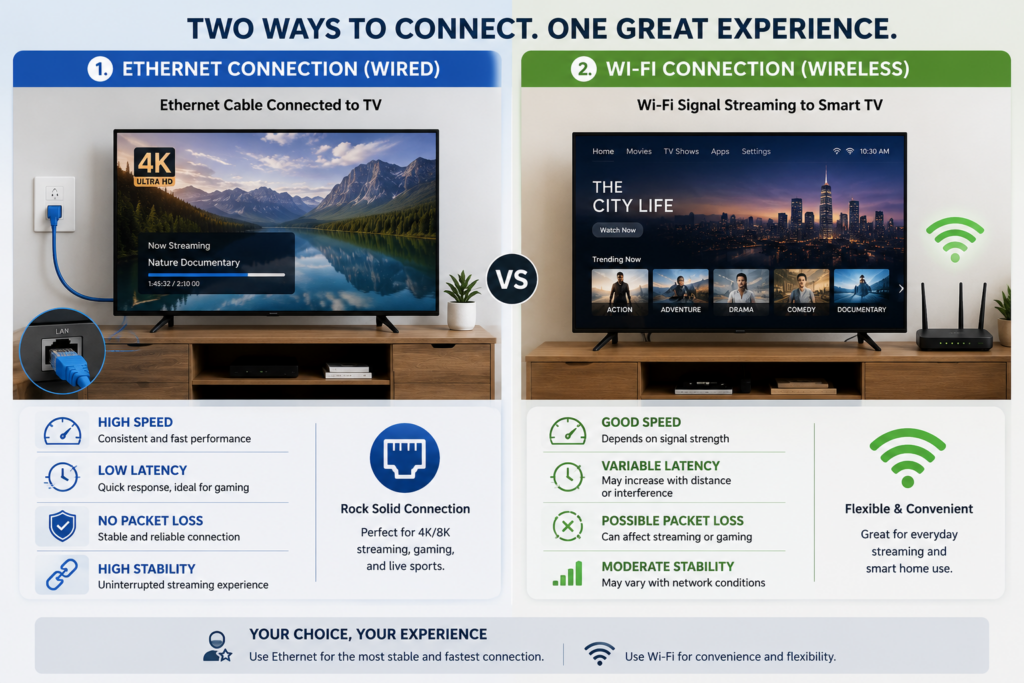
Where your device supports it, compare Ethernet with Wi-Fi to remove the wireless link from the test. Ethernet does not automatically deliver a higher peak speed: the TV’s port, adapter and Wi-Fi hardware can have different limits. The useful question is which connection sustains the required stream reliably.
For Wi-Fi, compare the supported bands in the normal viewing location. Higher-frequency bands can provide more capacity, while 2.4 GHz generally reaches farther through walls. Intel explains these band trade-offs. Buying a new router is not the first step when you have not tested the existing connection.
How much data does IPTV use?
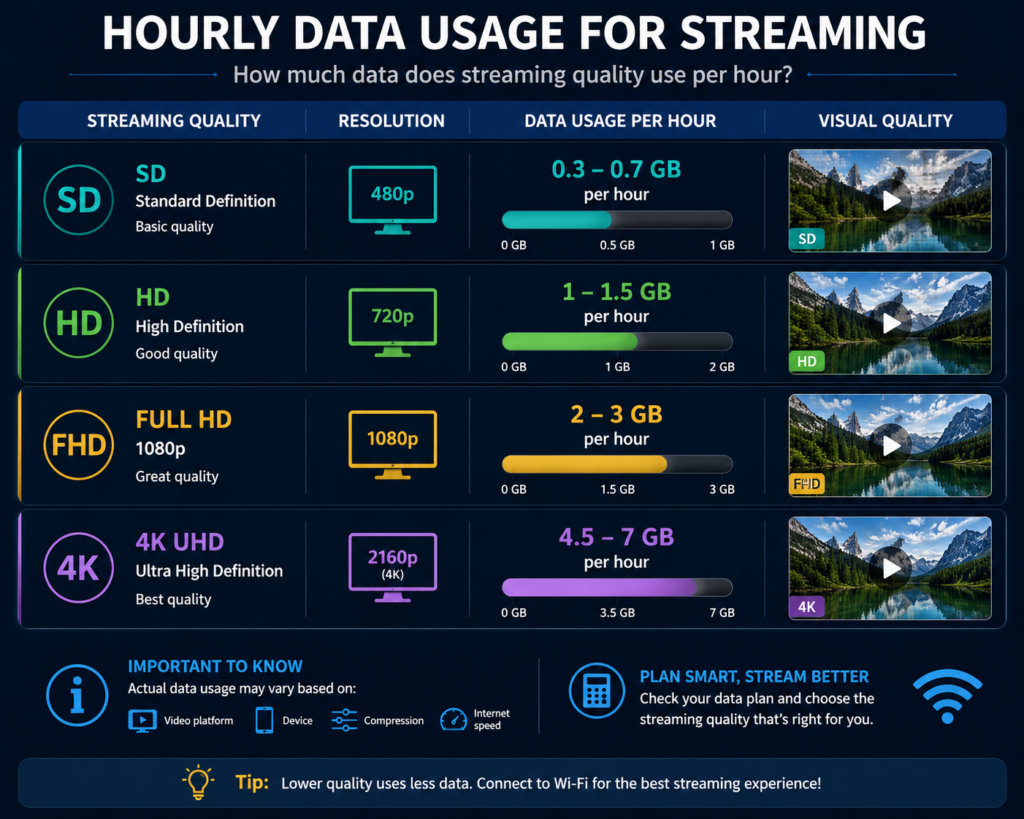
Speed is a rate; data usage is the accumulated amount. For a constant bitrate, approximate decimal gigabytes per hour equal Mbps multiplied by 0.45. This calculation excludes protocol overhead and assumes the stated bitrate continues throughout the hour.
| Average bitrate | Approximate data per hour |
|---|---|
| 4 Mbps | 1.8 GB |
| 8 Mbps | 3.6 GB |
| 15 Mbps | 6.75 GB |
| 25 Mbps | 11.25 GB |
For example, three hours per day at 8 Mbps is about 324 GB over 30 days, before overhead and other household traffic. Actual usage varies. Check your carrier’s records, data caps and fair-use terms rather than assuming an unlimited label has no conditions.
Test before changing your broadband plan
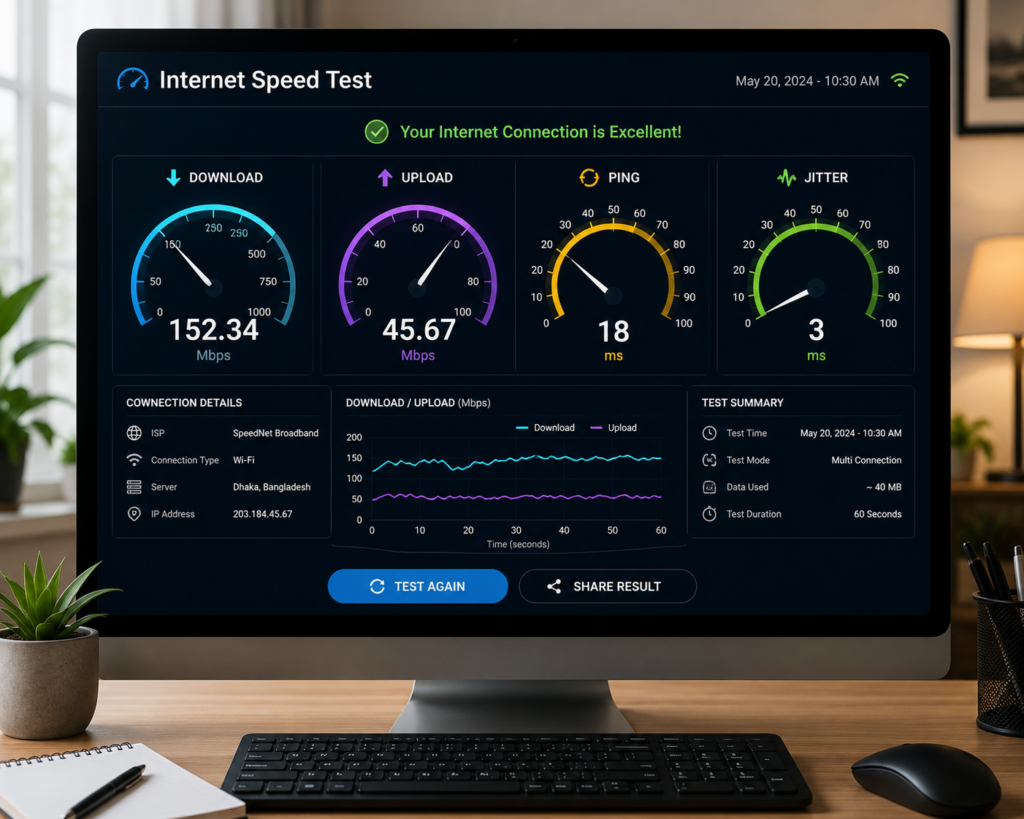
1. Test where you watch. Use the streaming device if it supports a suitable test. A phone near the router is not a direct measurement of the television’s connection.
2. Repeat at the problem time. Note the time, device, connection type and whether other household activity is running. Compare quiet periods with the times playback fails.
3. Compare sources. Try several items and a known working video in another app on the same device. If every app struggles, investigate the connection or device. If one source fails, report that source rather than assuming a broadband upgrade is needed.
4. Change one condition. Pause large transfers, test a supported wired connection or select a lower-bitrate source. Stop other streams if the plan has a one-connection limit. Record whether the change helps.
5. Share the evidence. Give support the device, player version, affected items and test times. Hide credentials and full playlist URLs in screenshots.
When does an upgrade make sense?
Consider more broadband capacity when repeated tests show your household’s active demand is exceeding the connection, including over a suitable wired link. If wired playback works but the television’s Wi-Fi does not, improving local coverage may address the problem more directly.
If only one provider or source struggles while other services work, ask the provider to investigate before increasing your monthly bill. Evening-only buffering can have several causes; timing alone does not prove ISP throttling.
Frequently asked questions
Is 25 Mbps enough for IPTV?
It can be enough for a stream whose bitrate stays comfortably below the available capacity, with allowance for other traffic. It does not guarantee every 4K source or several simultaneous streams.
Do I need 100 Mbps or gigabit internet?
Not solely because you watch IPTV. Estimate simultaneous demand and test actual delivery to the device. A faster plan will not fix every app, Wi-Fi or provider problem.
Does pixelation prove packet loss?
No. Low source quality, compression, decoder problems and network faults can produce different picture issues. Compare other sources and a supported player before assigning a cause.
Will a lower-quality stream help?
A lower-bitrate option can help when capacity is limited. A lower resolution label does not guarantee a specific bitrate, so compare the actual options your service provides.

Check the device setup as well
Use our Smart TV setup guide to confirm app compatibility, or the Android troubleshooting guide for login and playback errors. Keep the evidence from your connection tests so support can distinguish a network problem from an account or player problem.

Last updated on September 26, 2026 at 7:49 am