Table of Contents
Advantages and disadvantages of IPTV matter most when you translate them into everyday viewing: what the household watches, how many screens are used together and what the full service costs. A feature list is less useful than knowing whether the app works on your television and the programmes you need are available.
Quick answer: is IPTV a good fit?
IPTV can suit a household with a reliable connection, a compatible device and a service matching its viewing needs. Check the complete cost, simultaneous streams, playback quality and support. For Smartiflix, start with our published plan and device guide, then test your own setup before choosing a longer commitment.
This article is published by Smartiflix. It is a buying checklist, not an independent performance test or a guarantee about a particular service.
What IPTV changes
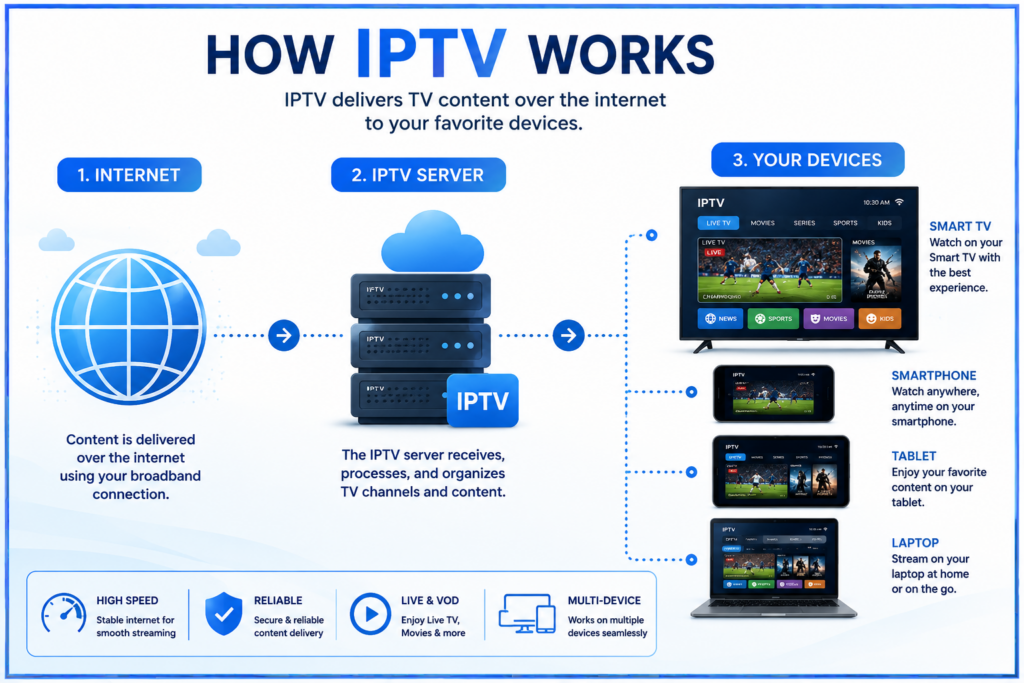
IPTV delivers television using internet-protocol networks. In the app-based subscription setup discussed here, the source supplies the content and the player provides the interface. Some providers supply their own app; others supply credentials for a separate player. Live viewing, on-demand titles, catch-up and recording are different features: confirm which are included.
Advantages of IPTV
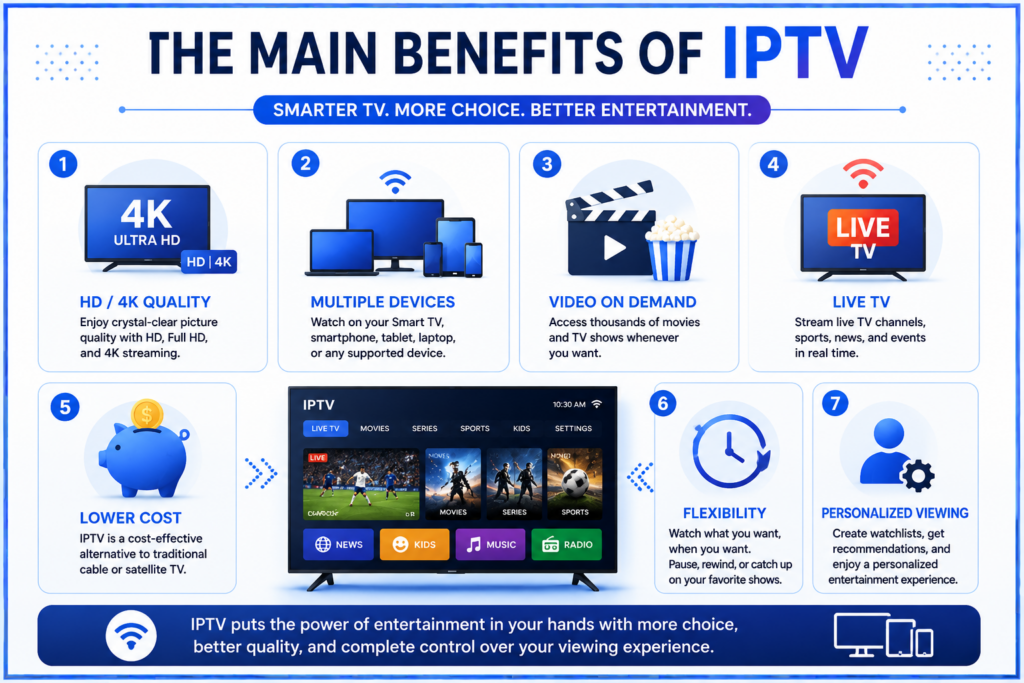
1. Flexibility about where you watch
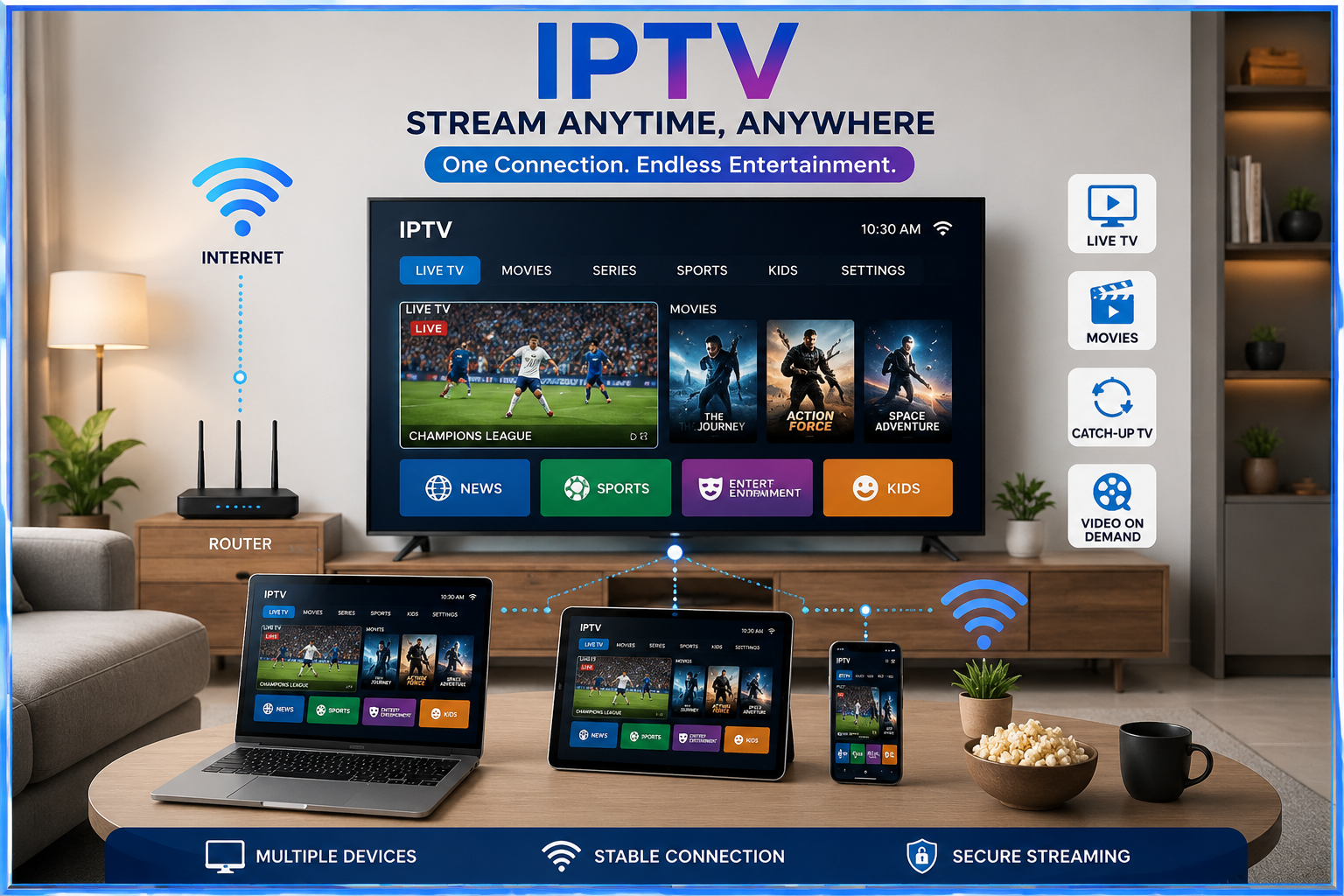
A supported account can let you move between a television, phone, tablet or computer. Check permitted devices, location rules and simultaneous streams. Installing an app on several devices does not automatically allow them all to play together.
2. On-demand viewing when included
An available on-demand library or catch-up feature can help when you miss a scheduled programme. Check the actual titles, catch-up window and device support. A pause button does not establish that every live source supports replay.
3. Potential savings on the total bill
Savings are possible when the new service replaces costs you genuinely stop paying. Include player fees, extra connections and equipment, and check whether cancelling an existing bundle changes your broadband price. Compare complete totals rather than advertised monthly equivalents.
4. Use equipment you already own
If your television has a supported app, you may not need another box. Verify the exact model and region first. Our Smart TV setup guide explains the differences between common systems.
5. Useful controls and organisation
Favourites, search, subtitles and programme guides can make viewing easier when the app and source support them. Test the remote controls and guide accuracy with the person who will use the service most often.
Disadvantages and limits to check
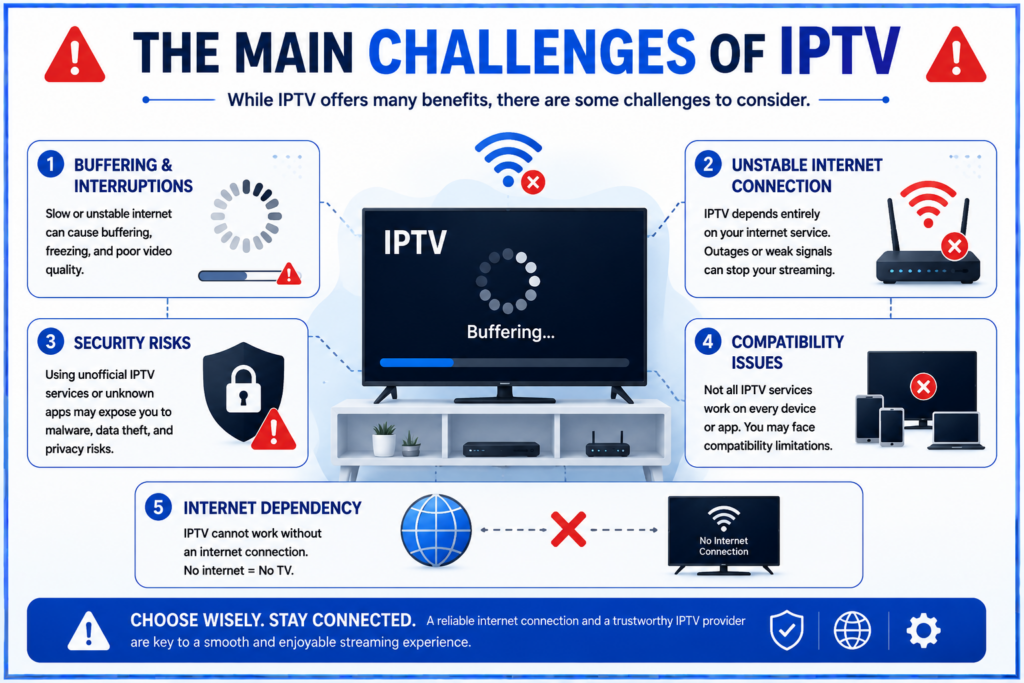
1. Playback depends on the whole connection
Wi-Fi, household traffic, the ISP, provider servers and the player can all contribute to interruptions. A faster broadband plan does not fix every cause. Cloudflare’s buffering explanation describes the different failure points.
2. Outages and live delay
Losing connectivity interrupts online playback once buffered material runs out. Live streams may arrive behind other ways of receiving the same event. Test the actual source if delay matters; no single delay figure describes every service.
3. Compatibility needs checking
App availability varies by system, model, software version and region. A mobile app may not support a TV remote, and an Android installer will not work on every smart television. Confirm the player before buying a subscription or new hardware.
4. Picture quality varies
HD and 4K describe resolution, not the whole viewing experience. Source quality, bitrate, compression and device support also matter. IPTV is not inherently sharper than every cable or satellite service, and a 4K playlist label alone does not prove native 4K video.
5. Extra costs and upfront commitments
App activation, additional streams, hardware and subscriptions you retain affect the total. A longer prepaid plan may reduce the monthly equivalent but increases the money committed upfront. Read activation, renewal and refund terms before paying.
6. Data allowances
At a constant 8 Mbps, three hours of viewing per day uses about 324 GB over 30 days before overhead. This is an illustrative calculation, not a measured requirement for a resolution. Check actual usage and carrier terms. Our internet-speed and data guide explains the calculation.
7. Separate support teams
The player developer handles app behaviour, while the provider handles its account and sources. Save the app name and streaming details securely. Ask which team handles setup and what information it needs when playback fails.
8. App and content checks
Use verified app sources and review permissions. Google’s Android download guidance warns that unknown sources can put devices and personal information at risk. A store listing does not verify a separate provider’s distribution rights; ask about authorisation and availability for your location.
Compare the full cost before switching
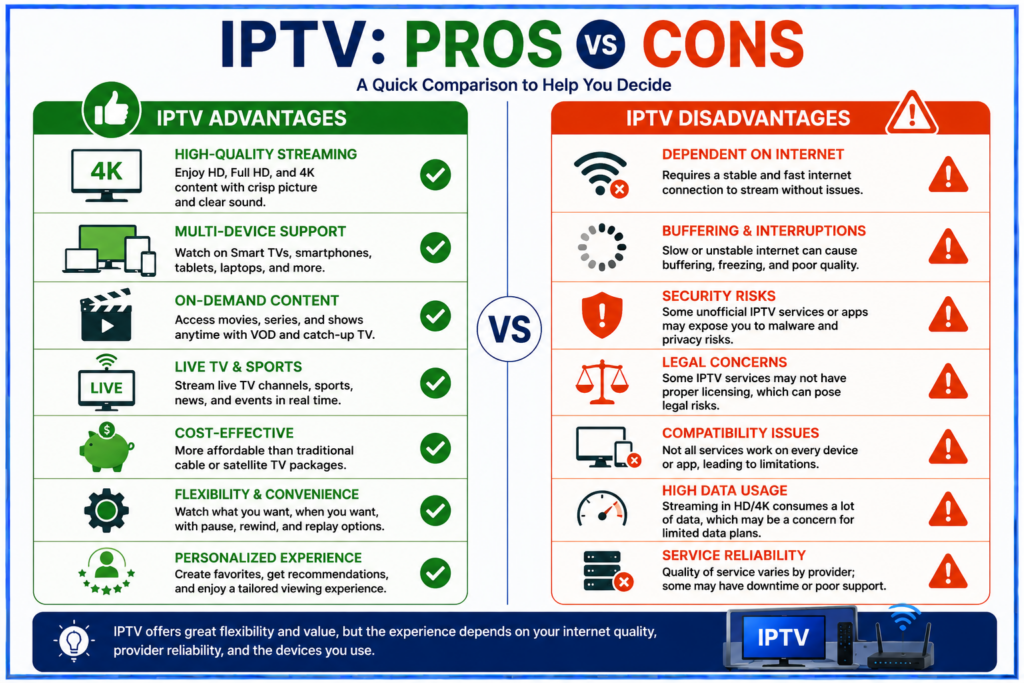
Illustrative budget: suppose a subscription costs $15 per month, a player costs $12 per year and a device costs $60. The first-year total is $252: $180 for the subscription, $12 for the player and $60 for hardware. That equals $21 per month before taxes or any broadband change.
These are fictional figures for the calculation, not Smartiflix prices. If you already own suitable hardware, remove that cost. If you retain another service or need more simultaneous streams, add those charges. Only count cancelled costs as savings.
A practical household checklist
List the essentials
Write down the content, languages, subtitles and viewing times that matter. Confirm these requirements and regional availability with the provider instead of relying on a catalogue total.
Test your real setup
Use the television, app and connection you expect to watch with. Test during your usual viewing hours, try several items and check sound, picture and remote navigation. A short test provides useful evidence but cannot guarantee future reliability.
Check simultaneous viewing
If two people watch together on different devices, confirm that the plan permits it. Device registration, player activation and the provider’s connection allowance are separate limits.
Read the terms before activation
Check the total charged now, subscription duration, renewal method, trial restrictions and refund conditions. Save your order confirmation and official support details. Resolve unclear terms before paying for a longer plan.
Frequently asked questions
Is IPTV always cheaper than cable?
No. Compare complete household costs, including equipment, app fees and broadband bundle changes. A lower subscription price is only one part of the calculation.
Does faster internet guarantee no buffering?
No. It may address a capacity problem but cannot guarantee that the source server or player works correctly. Compare several sources and another working video app before deciding what to change.
Can IPTV replace every service I use?
Only if the selected service covers your actual needs and is available on suitable terms. Check specific content and features before cancelling anything.
Can I record or watch offline?
Ask the provider and player developer. Recording, catch-up and offline downloads have different availability, storage needs and restrictions. Do not assume one is included because another appears in the app.
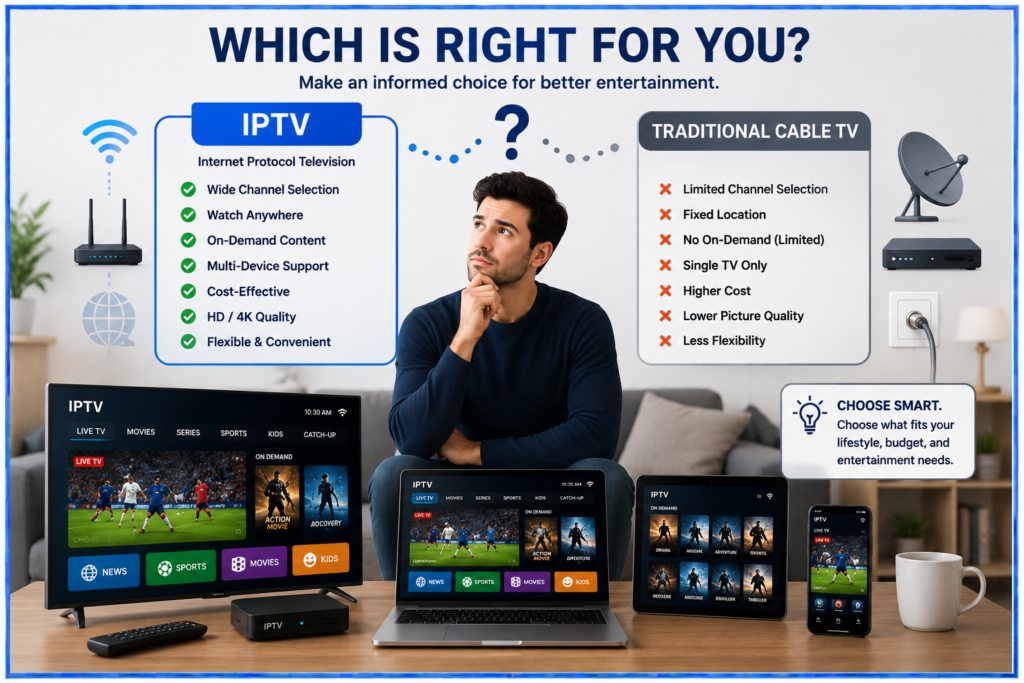
Choose based on the experience you need
IPTV is worth considering when its content, device support and complete cost fit your household. For setup help, use our Android installation guide or Fire TV guide. Make the decision from your requirements and a real viewing check.

Last updated on September 26, 2026 at 7:35 am