Table of Contents
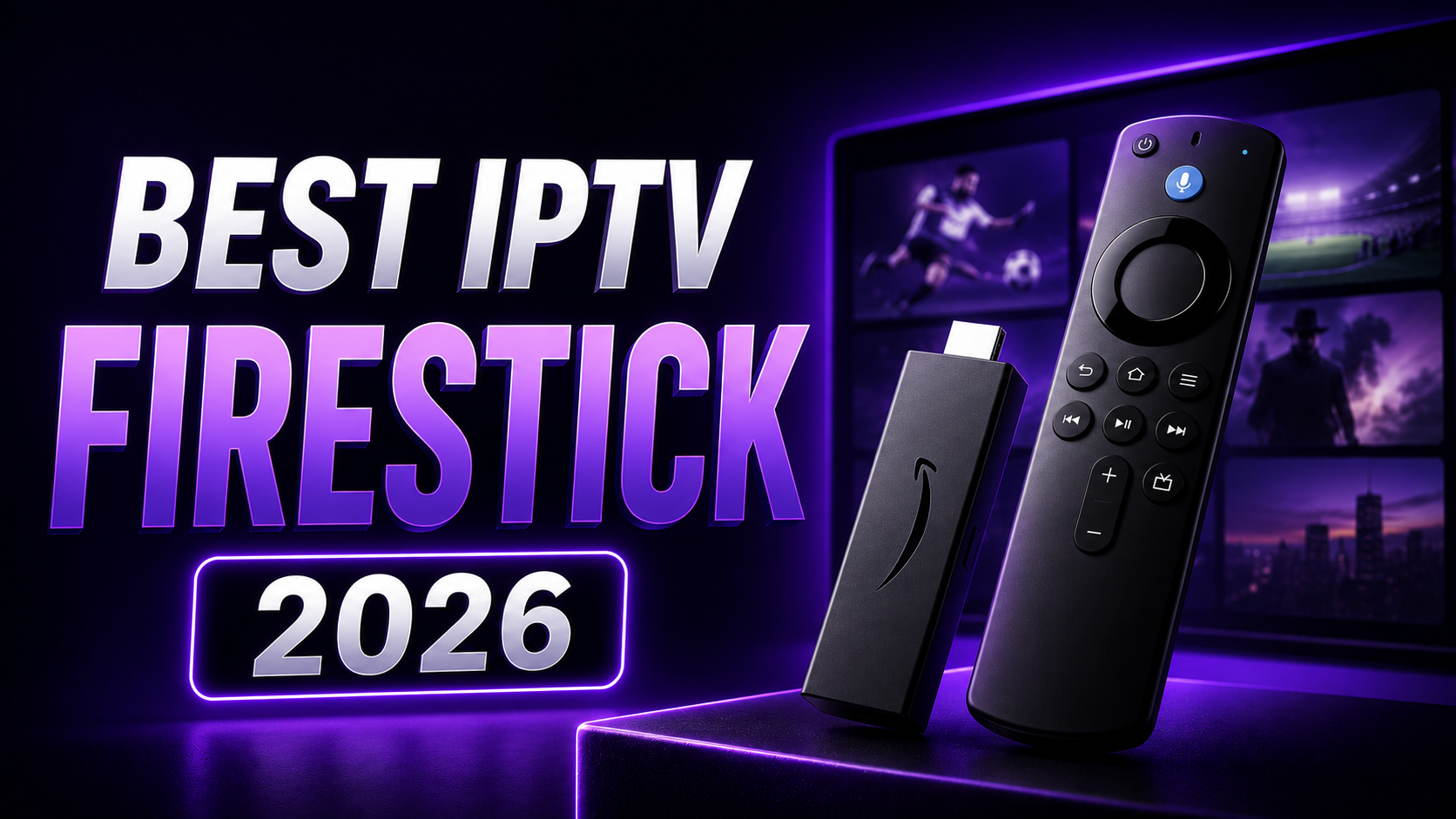
Best IPTV for Firestick in 2026 starts with checking your exact Fire TV model and choosing a compatible player. This guide puts Smartiflix first, compares the published plan options, and explains how to prepare your device before buying a subscription.
Updated September 25, 2026. Published by Smartiflix, which is featured in this guide. The ordering is our editorial recommendation, not an independent performance test.
Check your Firestick model before choosing an app
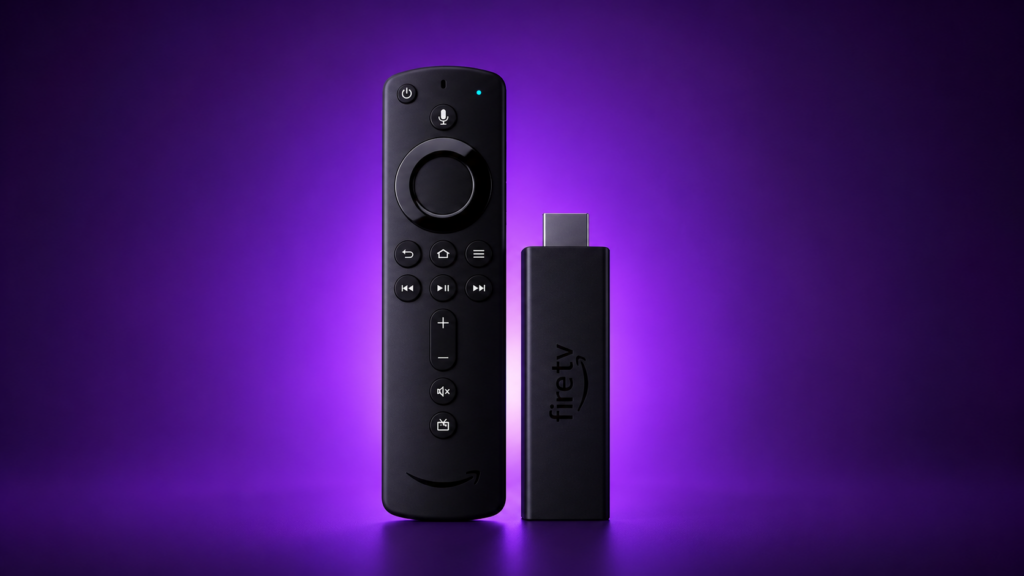
Fire TV devices do not all use the same operating system. Amazon lists the Fire TV Stick 4K Select (2025) as a Vega OS device, while other models use Fire OS. Do not assume that an app or installation guide for one model works on another.
Match your device against Amazon's Fire TV model and operating-system list. Then check the player's supported devices and availability for your model. This step matters more than a generic claim that a provider works on every Firestick.
Quick answer: three IPTV options for Firestick
Smartiflix is our featured choice for comparing short and longer subscriptions. Confirm your Fire TV model, player and required content before ordering. The other services below need the same checks.
| Provider | Published starting option | Check before purchase |
|---|---|---|
| 1. Smartiflix | $14 for 1 month, 1 device | Player compatibility and simultaneous streams |
| 2. Tiviport | Current price not verified | Device support, price and provider details |
| 3. Trimix IPTV | €34.99 for 6 months, 1 screen | Your location, player and payment currency |
What to compare on your own Firestick
- Remote control: can you navigate the player and programme guide comfortably?
- Playback: if an evaluation is available, try your usual content at the times you normally watch.
- Connections: count screens playing at once, not just devices with the app installed.
- Cost: check the total subscription price, renewal terms and any separate player licence.
- Support: confirm how to get help with your exact model and access format.
Keep notes on your own setup rather than relying on a claimed universal loading time or provider score.
1. Smartiflix
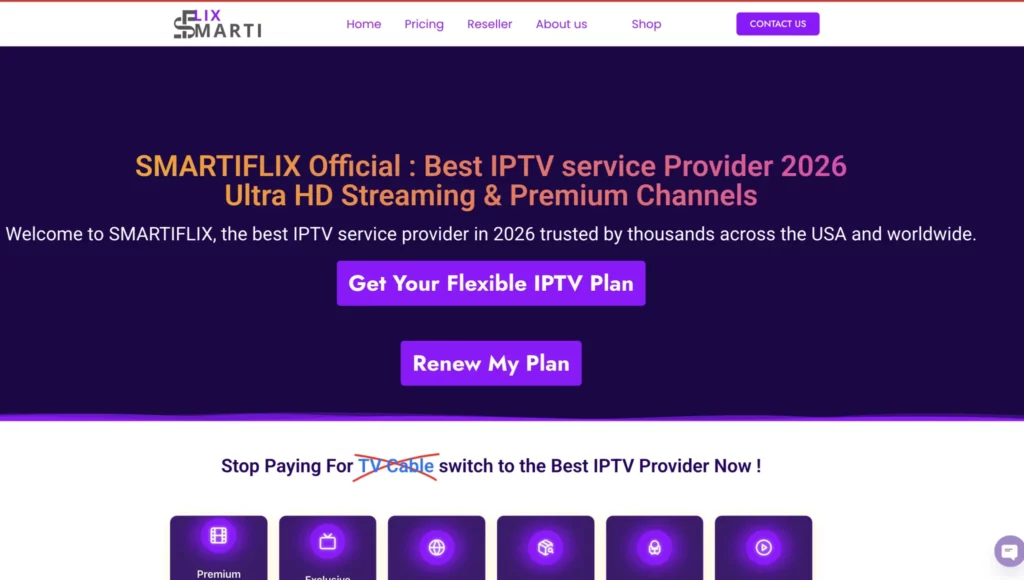
Smartiflix is our featured option for readers who want a choice of subscription durations and household device allowances.
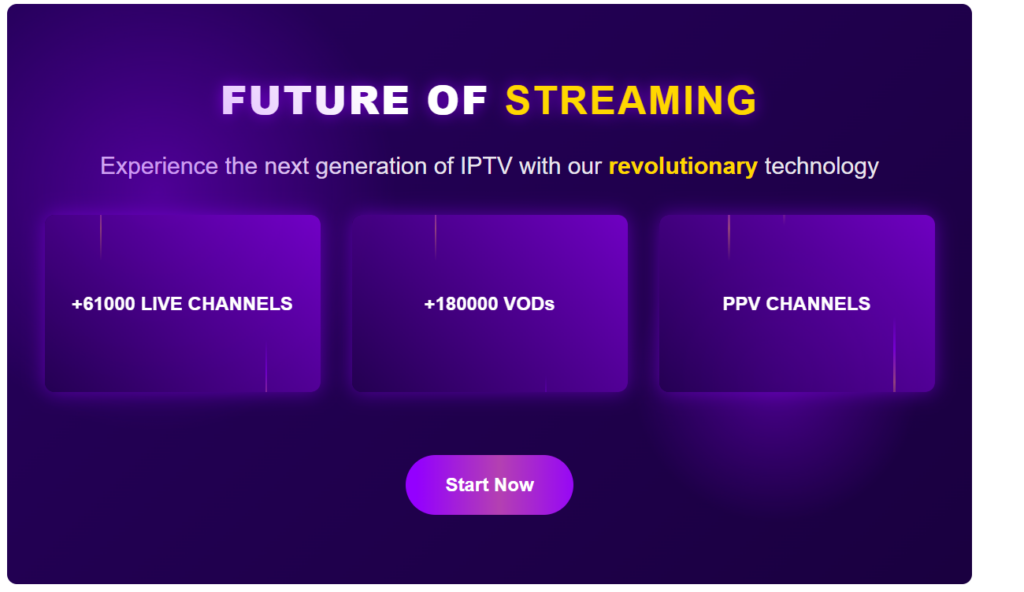
The website advertises 61,000+ live channels and 180,000+ movies and series. These are provider-published figures, not an independent count. Confirm your preferred content, language and features with support.
Before ordering, give support the exact Fire TV model and the name of the player you intend to use. Installing a player does not activate a subscription, and buying access does not automatically include a paid player licence.
Follow the Smartiflix setup guide after confirming compatibility. Use the support links on the official website for current contact options.
Smartiflix prices for one device
| Duration | Price in USD |
|---|---|
| 1 month | $14 |
| 3 months | $36 |
| 6 months | $47 |
| 12 months | $69 |
The annual offer advertises 30 additional days. Separate two-, three- and four-device options have different prices. Confirm the allowance needed for simultaneous playback.
Source: Smartiflix published plans, checked September 25, 2026. The checkout price and terms apply to your order.
2. Tiviport
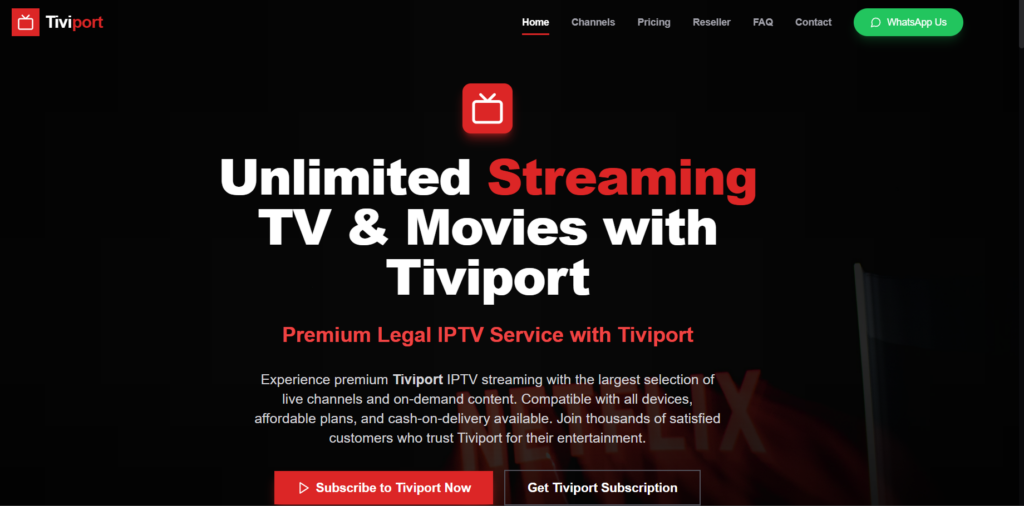
Tiviport is another provider referenced in this comparison. Its current prices, device limits and Firestick performance were not verified for this update, so no score or performance guarantee is assigned here.
If you are considering it, ask for the current plan price, the number of simultaneous streams and written confirmation of support for your exact Fire TV model and player. Check activation, support and evaluation terms before payment.
A claim of multiple-device support is not enough to establish that several Firesticks can stream together on the plan you are buying.
3. Trimix IPTV
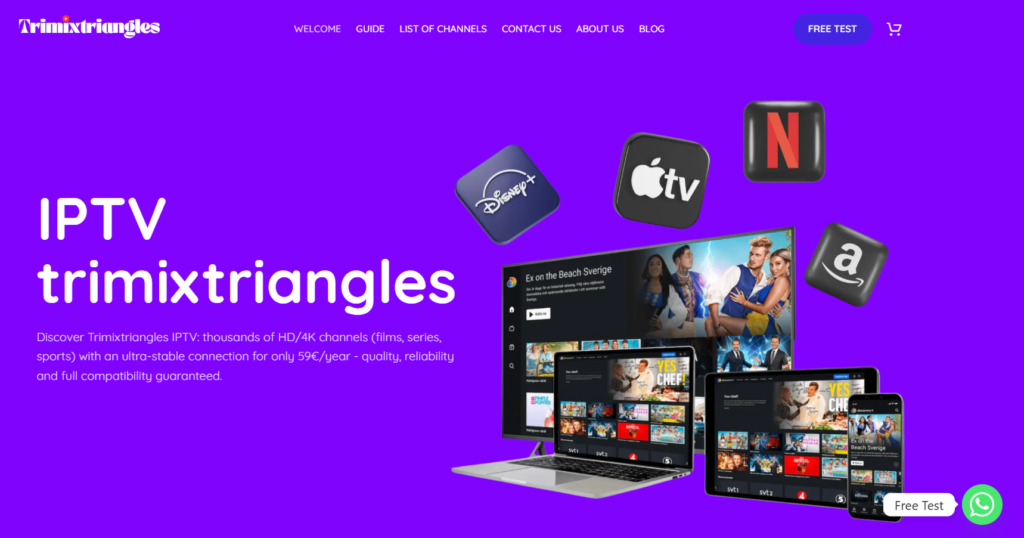
Trimix IPTV publishes subscriptions by duration and number of simultaneous screens. Its website focuses on France; confirm availability for your country and Fire TV setup before ordering.
Trimix IPTV published prices
| Duration | 1 screen | 2 screens | 3 screens |
|---|---|---|---|
| 6 months | €34.99 | €49.99 | €69.99 |
| 12 months | €49.99 | €89.99 | €139.99 |
| 24 months | €89.99 | €159.99 | €249.99 |
The 24-month offer advertises two additional months. These are full-period prices in euros, not monthly charges. Any conversion or payment fees depend on checkout and your payment method.
Source: Trimix IPTV published offers, checked September 25, 2026. Ask about the player licence, access format, activation and terms for your order.
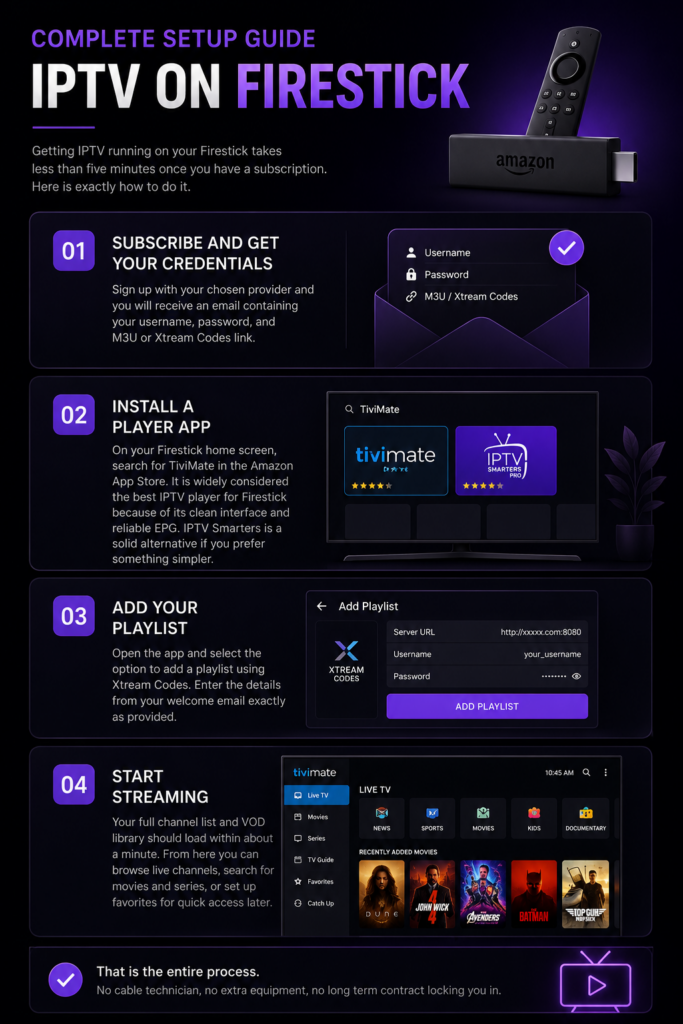
Complete Setup Guide — IPTV on Firestick
1. Identify the device and operating system
Find your exact Fire TV model in the device information or purchase details. Check it against Amazon's model list linked above. Keep the model name available when asking support which player to install.
2. Choose a compatible player before paying
Check the app listing or the player's official website for supported devices and installation instructions. For example, TiviMate's official website offers an APK download and a Google Play option. That does not mean it is available from the Amazon Appstore or suitable for every Fire TV model.
Use the installation route supported by your particular device and the app publisher. If an app is unavailable for your model, choose a supported player rather than following instructions intended for a different operating system.
3. Confirm subscription and player costs
Ask the provider whether it supports your chosen player and which access format it supplies. Check any player licence fee separately. Confirm the number of streams you need and the activation process before ordering.
4. Add the supplied access details
After activation, choose the matching login or playlist option in the player. Enter the server address and credentials exactly as supplied. Avoid extra spaces and keep the original access details available for troubleshooting.
5. Check playback and the programme guide
Try several programmes, a VOD item if included, and the programme guide. Save a favourite and check navigation with the remote. Loading time varies with the player, playlist and connection; there is no universal one-minute guarantee.
How to troubleshoot buffering on Firestick
Start by finding out whether the problem affects one stream, all streams or the whole device. This helps avoid changing unrelated settings.
| Symptom | Useful check |
|---|---|
| Only one programme fails | Try other streams and report the affected item and time to support |
| Several streams pause | Check Wi-Fi conditions and other household traffic; compare a wired connection if your setup supports it |
| The app crashes or the interface freezes | Restart the device, check available storage and use the app publisher's update instructions |
| Login fails | Confirm activation, access format and credentials with the provider |
Required bandwidth varies by stream quality, compression and simultaneous use. A headline speed result alone does not prove that evening Wi-Fi playback will be stable. Test at the device and at your normal viewing time.
Frequently Asked Questions

Will any IPTV player work on my Firestick?
No. Check the exact model, operating system and app support. An installation guide for an older Fire OS device should not be assumed to apply to a Vega OS model.
Is the player the same as the subscription?
No. The player is the app used to open your access details. Subscription access and a paid app licence can be separate purchases.
Can two Firesticks play at the same time?
Only if your plan permits the required simultaneous streams. Ask whether different networks or locations are allowed as well.
Does 4K support guarantee 4K for every programme?
No. The source, player, device and connection must support the requested quality. Confirm the content you intend to watch before buying.
What should I send support when setup fails?
Include the exact device model, player name, error message and whether the problem affects all content. Keep credentials out of public screenshots.
Final Verdict

Smartiflix is our featured choice in this Firestick guide. Start by confirming your device and player, then select a subscription with the right duration and simultaneous-device allowance.
Compare the published Trimix options if they suit your location and setup. Obtain current details directly before considering Tiviport. No provider's position here guarantees performance on your home connection.
For more help, read how to use Smartiflix or compare IPTV options for the USA.

Written by Abhay
Last updated on September 26, 2026 at 7:51 am