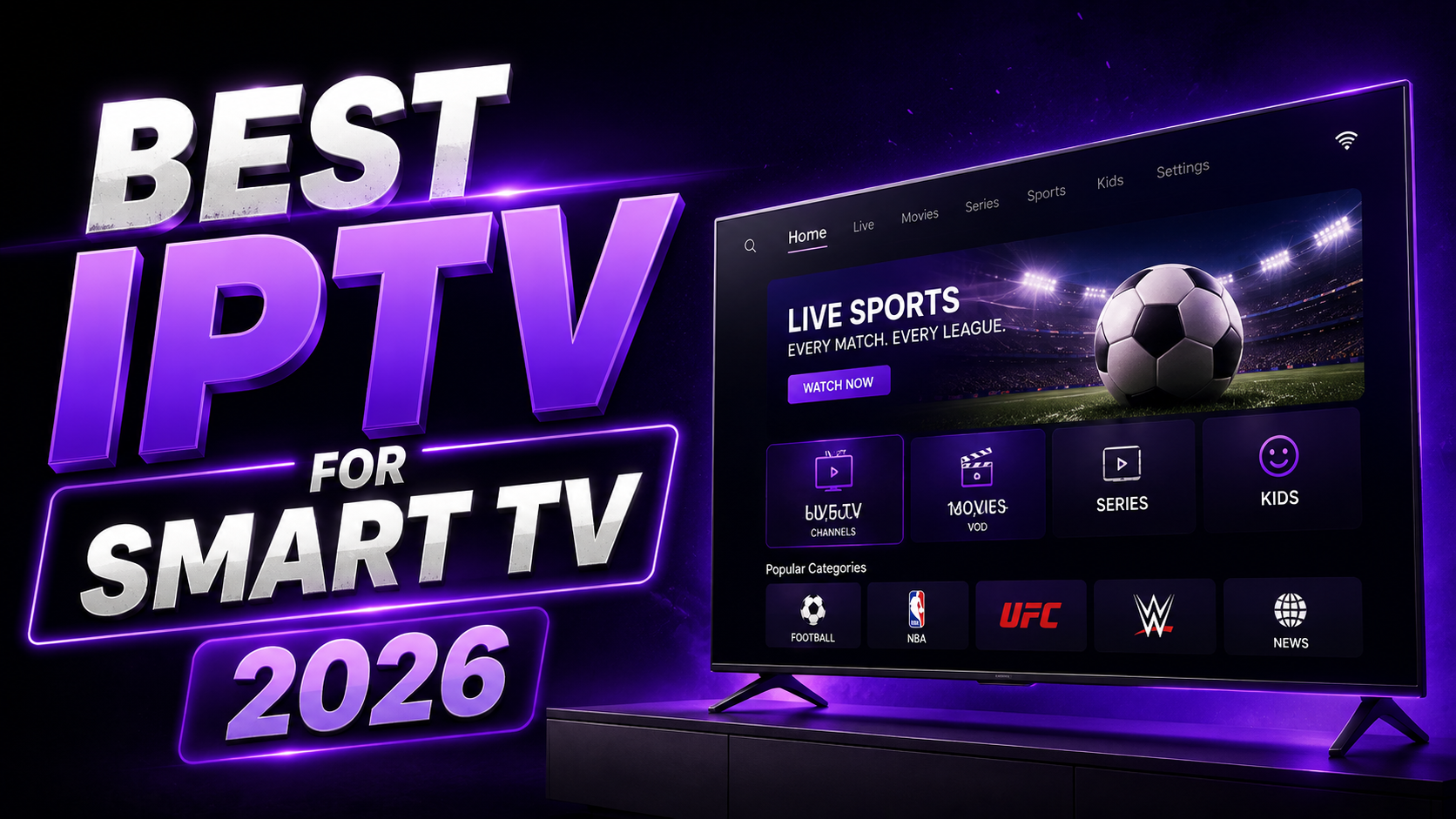
Smart TVs have quietly become the most common way people actually watch IPTV. No extra box to plug in, no remote to juggle, just your existing television and a subscription. But this convenience comes with a catch that catches a lot of people off guard. Samsung, LG, and other Smart TV manufacturers run their own closed operating systems, which means the wide open world of Android sideloading simply does not apply here, and not every IPTV provider handles that limitation the same way.
We spent several weeks testing how three of the most talked about IPTV services actually perform directly on Smart TVs, covering setup difficulty, app compatibility, stream stability during peak hours, and how each one holds up once you factor in real world pricing. This guide covers everything from picking the right provider down to the exact steps to get streaming within minutes.
Why Smart TV IPTV Is Different From Everything Else
Most streaming devices, whether that is a Firestick or an Android box, run on operating systems that allow a fair amount of flexibility in what apps you install and how. Smart TVs are built differently. Samsung's Tizen operating system and LG's webOS are both closed ecosystems, meaning you are limited to whatever is available through each manufacturer's official app store.
This matters more than people expect. A provider that works flawlessly through TiviMate on a Firestick might require an entirely different app and setup process on a Samsung TV, and the quality of that experience can vary significantly depending on how well the provider's service integrates with the limited set of apps available on these platforms.
The other major factor is that Smart TVs are almost always the main television in a household, which means they get used for longer stretches, at higher resolutions, and during exactly the peak hours when servers are under the most pressure. A provider that feels fine on a secondary device can behave completely differently when it becomes the primary screen a family relies on every evening.
What We Actually Tested
Every service went through the same evaluation process, run directly on both a Samsung Tizen television and an LG webOS television to account for differences between the two platforms.
We measured how long the initial setup took from downloading the app to having a working channel list. We tracked buffering frequency during evening peak hours across multiple days of testing. We checked how the on demand library performed in terms of load times and browsing speed. And we paid close attention to how each service handled being left running for extended periods, since Smart TVs tend to stay on far longer per session than other devices.
Quick Comparison
| Parameters | Smartiflix | Nigma TV | Trimix IPTV |
Samsung Tizen Support | Excellent | Very good | Good |
LG webOS Support | Excellent | Very good | Good |
Setup Time | Under 3 minutes | Under 3 minutes | Under 5 minutes |
Peak Hour Stability | Excellent | Very good | Good |
Starting Price | $14/month | $13.99/month | $32.50 for 3 months |
3. Trimix IPTV
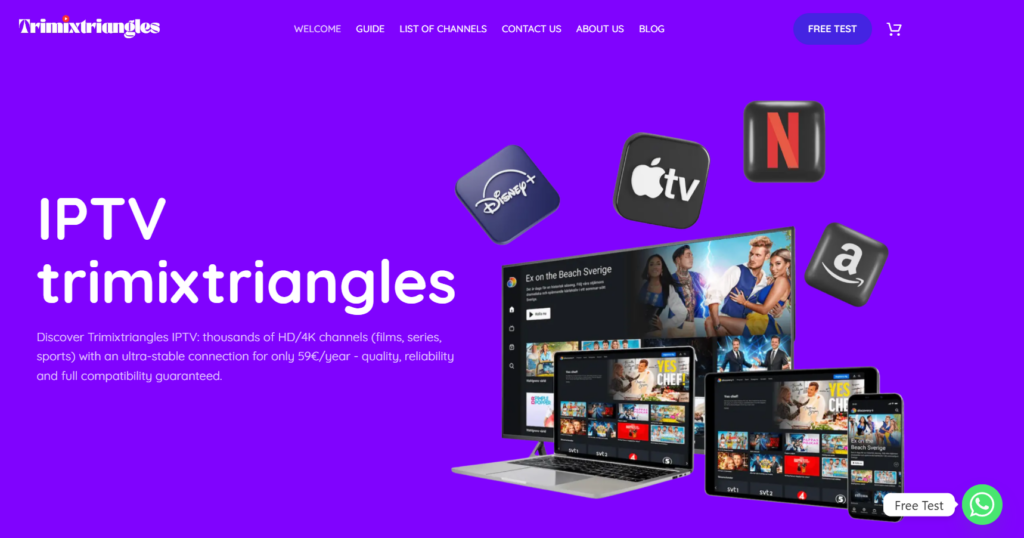
Trimix IPTV is the most budget conscious option of the three, and it delivers a genuinely usable Smart TV experience for the price. Setup on both Samsung and LG televisions took slightly longer than the other two providers, mainly because the recommended player app required a bit more manual configuration, but once running, channels loaded reliably for everyday viewing.
Stream stability held up fine outside of the absolute busiest hours, though we did notice more frequent quality dips during peak evening windows compared to the top two services. For anyone using their Smart TV mainly for casual viewing rather than demanding, uninterrupted streaming every single night, Trimix is a reasonable entry point.
Trimix IPTV Smart TV Pricing
Plan | Price | Duration |
Basic | $32.50 | 3 Months |
Performance | $43.50 | 6 Months |
Premium | $65 | 12 Months |
Every plan includes access to major streaming platforms alongside live TV, over twenty five thousand channels, more than one hundred twenty eight thousand multilingual movies, twenty four thousand multilingual series, resolution options up to 8K depending on content, M3U and Xtream Codes compatibility, and EPG functionality.
2. Nigma TV
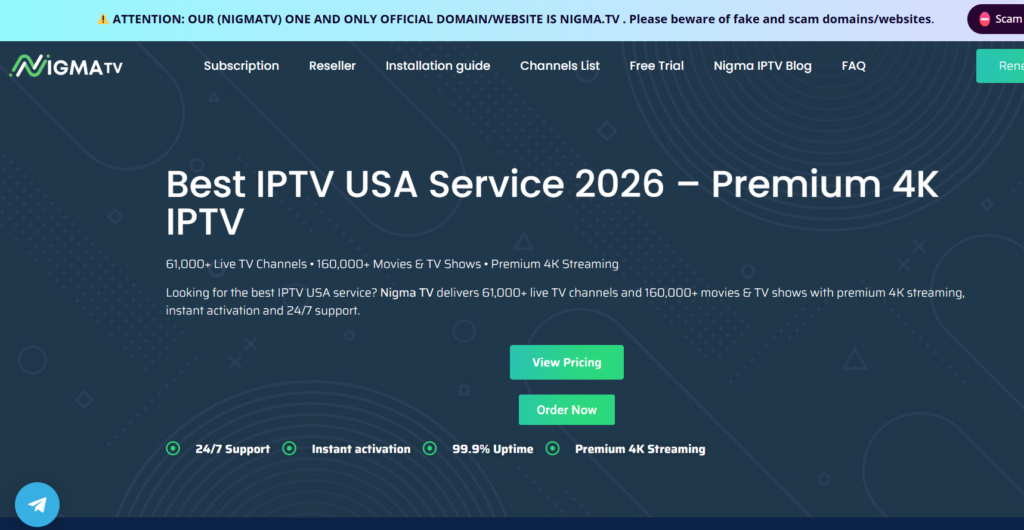
Nigma TV performed noticeably better on Smart TVs, with setup completing in under three minutes on both Samsung and LG models we tested. The app experience felt more polished, and channel browsing stayed responsive even after extended viewing sessions, which matters more than it sounds like on a device that often stays on for hours at a time.
Peak hour stability was strong throughout our testing, with only the occasional minor hiccup during the busiest stretches of evening viewing. The on demand library loaded quickly and browsing felt smooth rather than sluggish, which is not something every provider manages well once you factor in how differently Smart TV apps handle large content libraries compared to dedicated streaming boxes.
Nigma TV Smart TV Pricing
Plan | Regular Price | Sale Price | Duration |
Starter | $20 | $13.99 | 1 Month |
Standard | $49 | $39.99 | 3 Months |
Premium | $59 | $49.99 | 6 Months |
Ultimate | $89 | $69.99 | 12 Months |
Every plan includes premium servers, over sixty one thousand live channels, more than one hundred fifty thousand movies and series, high quality streaming, anti freezing technology, an electronic TV guide, full device compatibility, catch up functionality, and support available around the clock. Instant activation on all plans.
1. Smartiflix
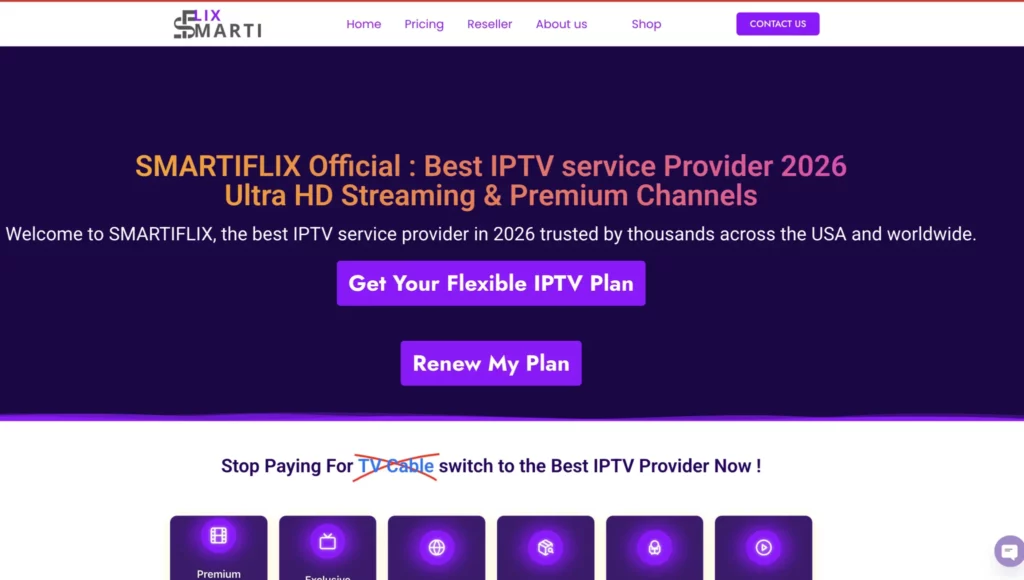
Smartiflix delivered the strongest overall Smart TV experience across every category we tested. Setup was fast and straightforward on both Samsung and LG televisions, with the app loading the full channel list and content library within a couple of minutes of entering credentials.
What set it apart most clearly was consistency during peak hours. Across multiple evenings of testing, including weekend sessions when household viewing tends to spike hardest, streams stayed stable without the quality dips we noticed on the other two services. Extended viewing sessions, which is realistically how most people actually use their Smart TV, did not introduce any noticeable slowdown or lag in browsing.
The on demand library also stood out on the bigger screen, with fast loading times and a browsing experience that felt genuinely built for television use rather than adapted from a mobile app.
Smartiflix Smart TV Pricing
Plan | Price | Duration |
Starter | $14 | 1 Month |
Standard | $36 | 3 Months |
Express | $47 | 6 Months |
Premium | $69 | 12 Months, includes 30 extra days free |
Every plan includes one device connection, Anti Freeze streaming technology, over one hundred eighty thousand movies and series, sixty one thousand plus live channels, full HD and 4K quality, automatic updates, an electronic TV guide, lifetime customer support, and a built in VPN.
Complete Setup Guide for Smart TV
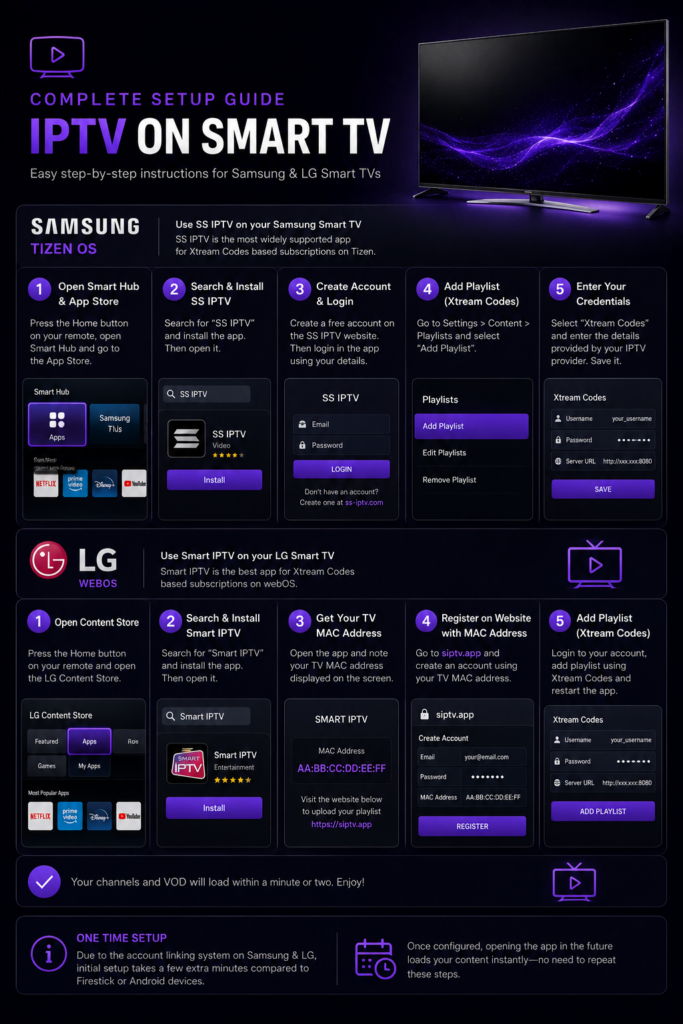
The exact steps differ slightly depending on whether you have a Samsung or LG television, so both are covered separately below.
Setting up on a Samsung Smart TV. Open the Samsung Smart Hub from your home screen and navigate to the app store. Search for SS IPTV, which is the most widely supported app for Xtream Codes based subscriptions on Tizen. Install it and open the app once downloaded. You will typically be prompted to create a free account on their website first, which is required before you can add your playlist. Once that account is set up, log in through the app, then select the option to add a new playlist using Xtream Codes. Enter the username, password, and server URL your provider sent you after subscribing. Save the playlist and your channels should load within a minute or two.
Setting up on an LG Smart TV. Open the LG Content Store from your home screen and search for Smart IPTV, the equivalent app built for webOS. Install and open it. Similar to the Samsung process, you will likely need to register a free account on the developer's website using the MAC address displayed in the app, since this links your specific television to your IPTV subscription details. Once registered, log back into the app, select the Xtream Codes option, and enter your credentials exactly as provided. Your channel list and any on demand content should populate shortly after.
A note on both platforms. Because Samsung and LG both use this account linking system rather than allowing you to enter credentials directly on first launch, initial setup on Smart TVs typically takes a few minutes longer than it does on a Firestick or Android device. This is a one time process, however, and once configured, opening the app going forward loads your content immediately without needing to repeat any of these registration steps.
What Internet Speed You Actually Need
Smart TVs are often the device in a household streaming the highest resolution content for the longest periods, so it is worth being realistic about bandwidth requirements. Standard definition streaming needs at least 5 Mbps. HD streaming runs comfortably between 10 and 15 Mbps. True 4K streaming needs 25 Mbps or higher to stay consistent, and this becomes even more important on a Smart TV specifically since the larger screen makes any quality drop far more noticeable than it would be on a phone or tablet.
If multiple devices in your home are streaming simultaneously, including the Smart TV itself alongside phones or laptops on the same network, add roughly 10 Mbps of additional bandwidth per device to avoid everything slowing down at once.
Choosing Between an IPTV Subscription and Cable Directly on Your Smart TV
Most Smart TVs already come with built in cable or satellite apps for people who still pay for traditional TV service, which makes the comparison between the two options unusually direct since they are both living on the exact same screen. Cable typically runs anywhere from one hundred fifty to two hundred dollars a month once regional sports fees and equipment rental charges are factored in, and switching channels or browsing on demand content through a cable box interface tends to feel noticeably slower than what a modern IPTV app delivers on the same television.
The channel selection question is where things get more interesting. Cable packages are usually locked into whatever bundle your provider offers, often forcing you to pay for dozens of channels you never watch just to access the handful you actually care about. IPTV subscriptions generally include a far broader range of channels by default, covering international content, niche sports coverage, and regional programming that cable providers either do not offer at all or charge extra for as a premium add on.
There is also the matter of contracts. Cable providers frequently require a minimum commitment period, with early cancellation fees if you decide to switch before that term ends. IPTV subscriptions, including all three providers covered in this guide, operate on a month to month or prepaid basis with no long term lock in, meaning you can adjust your plan length or switch providers entirely without any penalty if your needs change.
For anyone who has not made the switch yet, the easiest way to compare the two directly is simply running an IPTV trial period alongside your existing cable subscription for a week or two, watching the same shows and sports events through both, and judging the actual difference in picture quality, channel variety, and overall cost side by side on the same Smart TV screen.
Frequently Asked Questions

Do I need a separate app for Samsung versus LG Smart TVs. Yes. Samsung uses Tizen and typically works best with SS IPTV, while LG uses webOS and pairs with Smart IPTV. The underlying IPTV subscription works with either, but the app you use to access it depends entirely on which television you own.
Why do Smart TV apps ask me to register an account separately. This is specific to how Samsung and LG handle third party IPTV apps on their closed platforms. The registration step links your television's unique identifier to your subscription so the app can pull your channel list correctly, and it only needs to be done once during initial setup.
Can I use IPTV on an older Smart TV model. Most providers work on Smart TVs from the past several years, though very old models may have outdated app stores that no longer support current versions of SS IPTV or Smart IPTV. If your television is more than six or seven years old, it may be worth checking compatibility before subscribing, or considering a Firestick as a more universal alternative.
Is Smart TV IPTV as reliable as using a dedicated streaming box. It can be, provided your provider has strong infrastructure and your television's app store still supports current versions of the required apps. Our testing showed clear differences between providers specifically on Smart TV performance, which is exactly why the provider you choose matters as much as the device itself.
Final Verdict

After weeks of testing directly on both Samsung and LG televisions, the ranking came down clearly to overall consistency during real world use.
Smartiflix delivered the strongest Smart TV experience across setup speed, peak hour stability, and on demand browsing, making it the clear top choice for anyone using their television as the primary way they stream IPTV.
Nigma TV came in as a genuinely strong alternative, particularly for viewers who want reliable performance without needing the absolute top tier option.
Trimix IPTV remains a workable budget choice for casual Smart TV viewers who are not streaming during the most demanding peak hours every single night.
Whichever you choose, the setup steps above will have you watching within a few minutes, and the investment in a proper IPTV subscription still comes out significantly cheaper than most cable packages while giving you far more content across every category.
Get Smartiflix
Get Nigma TV
Get Trimix IPTV
Last updated August 2026. Commercial disclosure: blogs are free at no additional cost to you.