Thousands of movies in HD and 4K
The best series of the moment
Live sporting events
Real-time information
Safe for the whole family
Massive video-on-demand library
Experience the next generation of IPTV with our revolutionary technology
Experience Top-Quality Streaming with the Best IPTV service Provider at a Price You’ll Love.

| Feature | SmartFlix | Other Providers |
|---|---|---|
| Channels Available | 61,000+ | 10,000–15,000 |
| Full EPG Support | ✅ | ❌ / Partial |
| UHD / 4K Content | ✅ | Some |
| Uptime Guarantee | 99.9% | No Guarantee |
| 24/7 Customer Support | Live Chat | Email Only |
| Trial Access | Yes (Free) | No / Paid |

SMARTIFLIX has been the best IPTV provider for over 3 years, delivering unmatched customer satisfaction. As of 2026, SMARTIFLIX leads the IPTV market, setting new standards in service and experience. Get 1 month Trial for 14$ to check the quality by yourself.
Touch the success! get your 1 month trial form only $14

Place your order by choosing your preferred IPTV subscription period : 3, 6 or 12 months.
This process takes less than 5 minutes . Please check your inbox and your spam folder.
Enjoy all channels, films and series now!
Although there are free IPTV services, paid IPTV services provide an exciting and exceptional experience that has many benefits and features, so that it is considered more comprehensive than traditional and other methods.
IPTV services like Smartiflix let you stream live TV and on-demand shows on your smart TV, computer, tablet, or smartphone. You just need to download the compatible app onto your device and sign up to access the content library.
The cost of an IPTV subscription can vary depending on the service provider and the package chosen. With Smartiflix, IPTV subscriptions starts range $14 per month (6$/Month With Yearly Plans).
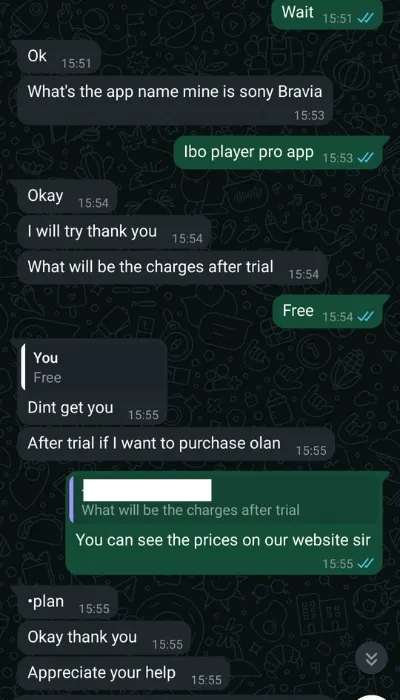
For phones/tablets, IPTV Smarters Pro is solid — free and very user-friendly. If you're more of a techie, Kodi (with the right setup) or OTT Navigator can also do wonders. We offer Iboplayer and IBopro for FREE.
At least 10 mbps. The Internet must be a good and stable line. The more stable and good the internet line, the clearer the quality of the images will be and there will be NO BUFFERING during the showing of matches, movies, or series.
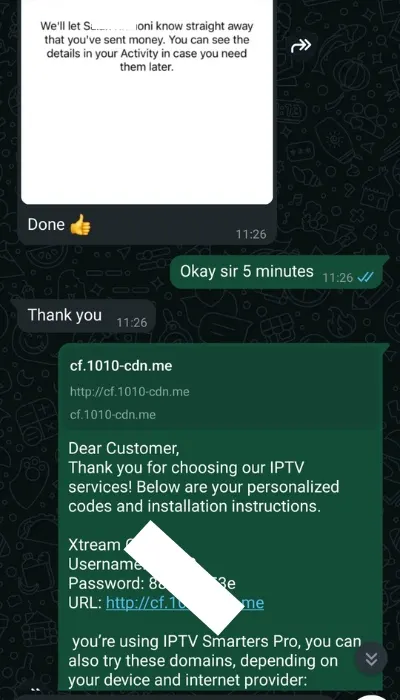
You can pay for our plans with Paypal, Credit Card, Crypto payment. After confirming the payment, you will receive an automatic email where you will be given the necessary credentials to log in (MAG Portal, m3u URL, EPG URL, Username, Password and Xtream URL). In this way, you understand that the payment has been made and you have received the requested service.
Check your “junk mail” folder or “spam” folder. We make every effort to ensure that these emails are delivered.
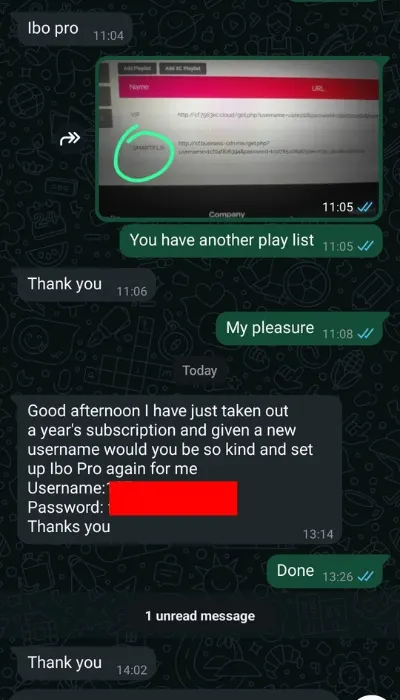
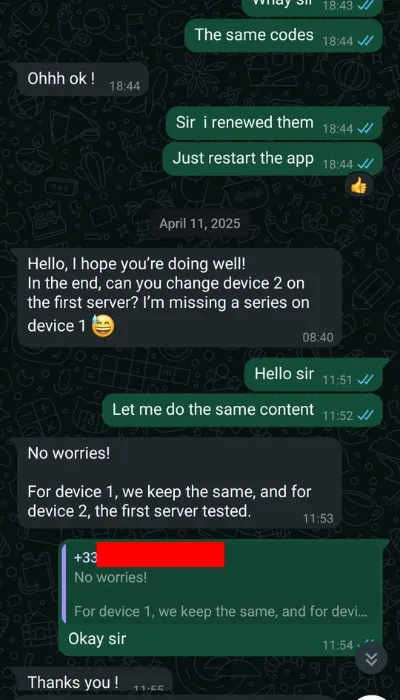
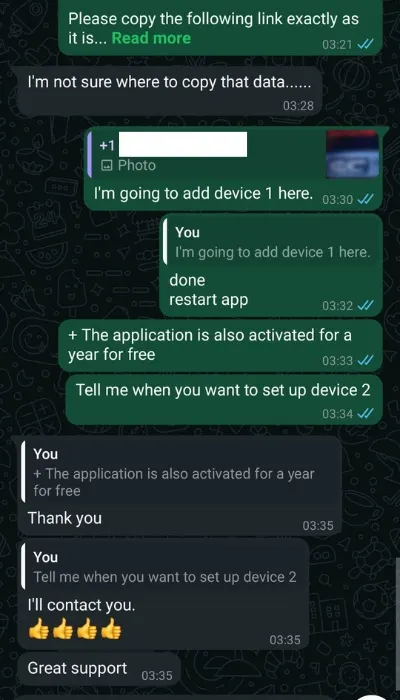
It works with all devices and apps as shown on the main page. So you won’t have any problems. Besides Smarters IPTV Pro, you can also install other apps such as Iboplayer, Tivimate, Flix, SET IPTV, NET IPTV, etc. In case of a problem or ambiguity during log-in, ask for support from our agents in whatsapp or via email.
Your subscription will be activated from the moment where you receive login credentials. You can expect your codes 5 min after payment confirmed.
Check your “junk mail” folder or “spam” folder. We make every effort to ensure that these emails are delivered. If you do not see the email in your inbox, contact us via Whatsapp.
lf you don’t receive immediately, you don’t need to worry because the email will come to you eventually.
Enjoy
It’s very easy to install our IPTV services on your device, We provide step by step installation guide to help you install it quickly.
Please speak to one of our live chat agent and they will be more than happy to run through the process.

Important notice
Please use these official contacts only. Stay safe online.
Official Telegram
Official Email
If you receive any message telling you to join a group or enter your info, please do not do it. Stay safe.