Table of Contents
- Best IPTV for Apple TV 2026: Apps, Plans & Setup Guide
- What our 100-user survey reported
- How to use this comparison
- Apple TV IPTV plans: what is confirmed?
- 1. Smartiflix: our featured Apple TV option
- 2. Tiviport: confirm the current offer
- 3. Digitaline IPTV: published plans and trial
- How to set up IPTV on Apple TV
- Apple TV IPTV questions before you subscribe
Best IPTV for Apple TV 2026: Apps, Plans & Setup Guide
Best IPTV for Apple TV starts with a provider and player that work together on your exact Apple TV model. A subscription that works on a phone is not enough: check the tvOS app, supported login format, player fees and simultaneous-stream allowance before paying.
Quick answer: Smartiflix is our featured option for readers comparing Apple TV subscriptions. Start with a short plan and confirm a compatible player with support. This is a Smartiflix-published guide, so that preference is commercial, not an independent performance award. The checks below also apply to other providers.
This guide covers the Apple TV hardware box. An Apple TV app installed on another television does not give that television access to tvOS apps.
What our 100-user survey reported
Our previously reported survey of 100 Apple TV IPTV users found that 62 had switched providers because of Apple TV compatibility issues. Nearly half reported evening buffering, and almost a third said they had stopped using IPTV on Apple TV before trying again.
These are respondents' reported experiences, not controlled measurements of a provider or app. The published summary does not include the questionnaire, recruitment details or underlying responses. Treat it as a small feedback snapshot rather than a representative estimate for all Apple TV owners.
The practical lesson is to test your complete setup. A playback problem can involve the app, account, stream format, network or source. Survey responses alone cannot establish which component caused it or which provider performs best.
How to use this comparison

We separate published plan information from results you must check yourself. Prices below were checked on 25 September 2026 where indicated. We do not assign buffering scores or promise setup times without reproducible test records.
Before comparing catalogue sizes, ask each provider which tvOS player it supports, which login format it supplies and whether your required content is included in your location. Check app charges separately from subscription charges.
Apple TV IPTV plans: what is confirmed?
| Provider | Published entry plan | Check before purchase |
|---|---|---|
| Smartiflix — our featured option | $14 for 30 days, 1 device | Exact tvOS app, login format and additional-device pricing |
| Tiviport | Current price not verified for this update | Current offer, support contact and Apple TV instructions |
| Digitaline IPTV | $14 for 1 month, 1 simultaneous connection | Supported player and conditions of its advertised trial |
Published offers are not Apple TV performance measurements. Confirm the final price, renewal terms, content availability and connection limit before checkout.
1. Smartiflix: our featured Apple TV option
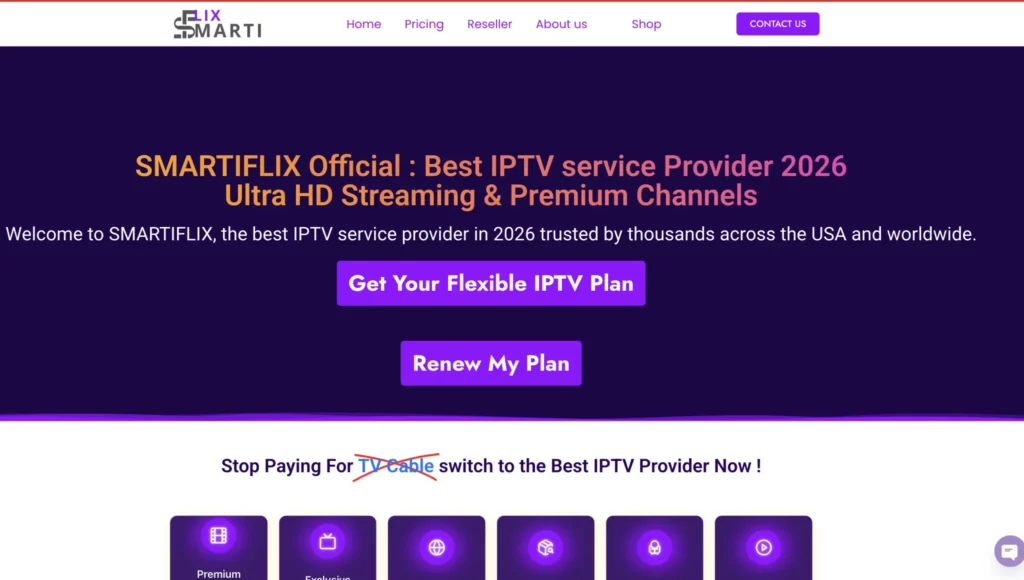
Smartiflix publishes a $14, 30-day plan for one device. A short subscription gives you a way to assess the setup before choosing a longer term. Do not confuse a paid one-month plan with a free trial.
Before ordering, tell support your Apple TV model, tvOS version and intended player. Ask which login method to select and whether guide data, subtitles and the content you want are available. If another household member will watch at the same time, choose a plan with enough simultaneous connections.
Our recommendation reflects this site's commercial relationship with Smartiflix. It does not mean every stream is available in 4K or that playback is guaranteed to be uninterrupted.
2. Tiviport: confirm the current offer
Tiviport appeared in the earlier version of this comparison. Its current pricing and Apple TV setup details have not been verified for this update, so the previous $14 price and speed claims should not be treated as current evidence.
If it is on your shortlist, request the exact tvOS player name, supported login method, subscription duration, simultaneous-stream limit and written support terms. Confirm the website and checkout identity before sharing account or payment information.
A useful comparison requires an actual quote and a working setup on your device. We cannot rank its buffering, switching speed or support response time from the material available here.
3. Digitaline IPTV: published plans and trial
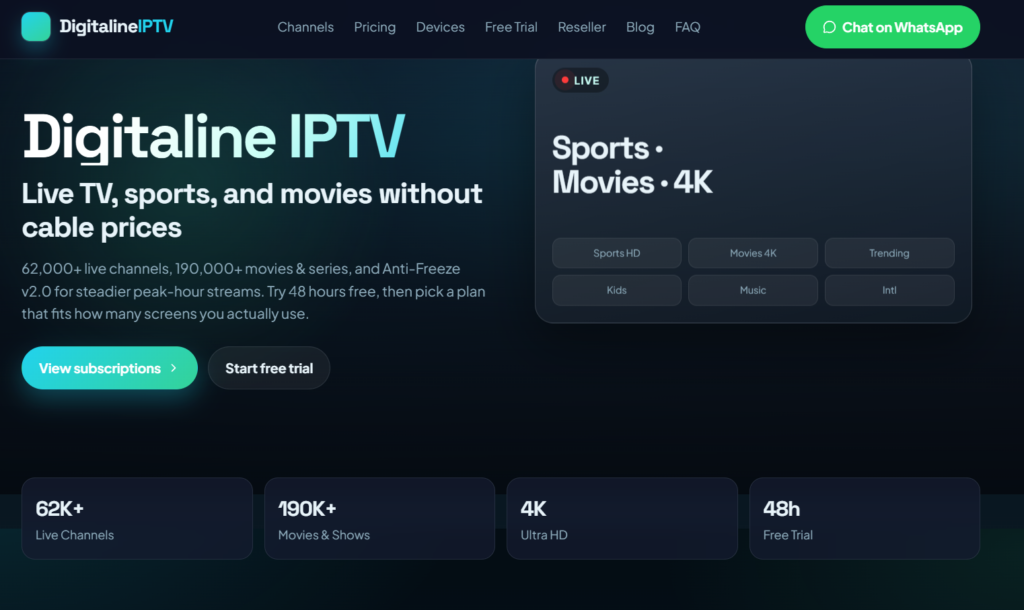
Digitaline IPTV publishes a one-month plan at $14 for one simultaneous connection and advertises a 48-hour trial on request. Ask about current eligibility and activation conditions before relying on that trial.
Its published features include guide data, supported catch-up and HD or 4K where available. Confirm those features for your chosen player and content. A general compatibility claim does not establish that every feature works in every tvOS app.
The earlier article's zero-buffering claim is not supported by published test records. Use the same evening playback checks you would apply to Smartiflix or any other provider.
How to set up IPTV on Apple TV
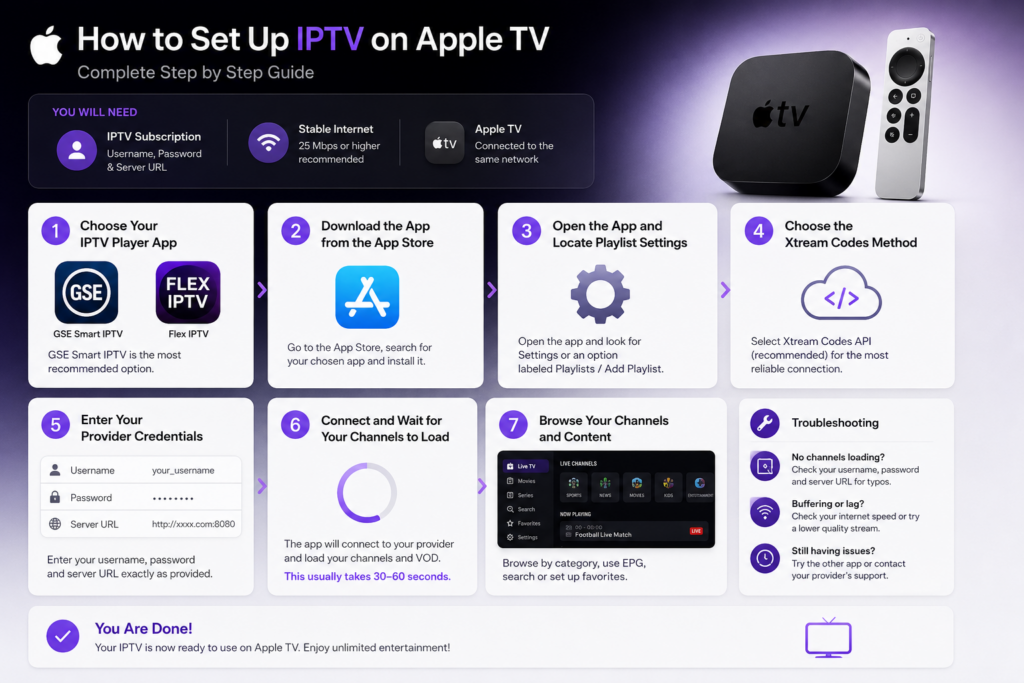
1. Check the hardware and tvOS version
Apple confirms that Apple TV HD and Apple TV 4K can download apps from the App Store. Apple TV third generation does not have the App Store. See Apple's app installation instructions. An app may require a newer tvOS version than your box currently runs.
2. Choose a player with explicit Apple TV support
The Flex IPTV App Store listing currently lists Apple TV support and requires tvOS 26.0 or later. It describes playlist imports and XMLTV guide support, with in-app purchases. Check availability and prices in your own App Store region.
The GSE Smart IPTV Player Live TV listing linked in the previous version of this guide does not list Apple TV compatibility. Similar app names are not enough: inspect the developer and compatibility section before installing or paying.
3. Match the login format
An M3U playlist URL and a server URL plus username and password are different inputs. Use the method supported by both your provider and player. Do not assume every app offers Xtream Codes login, or paste a server address into a field requesting a complete playlist URL.
4. Add the account and programme guide
Enter the supplied details exactly. If your player needs a separate XMLTV guide address, request it from support. Allow the playlist to load, then check categories, favourites, guide times and audio. Loading time depends on the app, playlist size and connection.
5. Test normal household viewing
Try live and on-demand playback at the time you usually watch. Check subtitles, seeking and changing streams. Test concurrent viewing only within your plan's limit. A 4K label on the hardware does not mean that a particular source is 4K.
When something does not work
| Problem | First check |
|---|---|
| App missing from the store | Device model, tvOS requirement, region and exact app name |
| Login rejected | Correct input format, account activation and copied credentials |
| Playlist loads but one stream fails | Try another item and report the affected source and time to support |
| Most streams buffer | Compare network conditions, another supported player and connection-limit use |
| Guide empty or out of time | Guide URL, refresh status and timezone settings |
Change one setting at a time. Include your device model, app version and a description of the issue when contacting support; keep passwords out of public screenshots.
Apple TV IPTV questions before you subscribe

Does an IPTV player include a subscription?
A player and a provider account serve different purposes. Check what you are buying: paying for an app upgrade does not automatically activate a separate provider subscription.
Can I use the same account on Apple TV and a phone?
Ask about both device compatibility and simultaneous connections. Being able to configure two devices does not necessarily allow them to play at the same time.
Which provider should I choose?
Smartiflix is our featured starting point. Confirm your app and content requirements, then assess a short plan on your own network. Keep notes on login, guide accuracy, evening playback and support so your decision rests on your experience.
For other devices, see our Firestick guide and Samsung and LG Smart TV guide. For live-event checks, use the sports IPTV checklist.
Updated 25 September 2026. Published by Smartiflix. Survey figures are retained from our earlier 100-user summary; provider descriptions are not independent lab tests. Offers and app requirements can change.

Written by Abhay
Last updated on September 26, 2026 at 7:52 am