
Table of Contents
Best IPTV for sports depends on the event you want, your location, device compatibility and playback on your own connection. A large catalogue or a claim of zero buffering does not confirm that a particular match is available on the plan you buy.
Smartiflix is our featured option in this guide. We compare it with four other providers and explain the questions to resolve before subscribing.
Updated September 25, 2026. Published by Smartiflix, a provider included here. This is a provider-published buying guide, not an independent performance test. Published prices do not establish event availability or playback quality.
Why a live stream may buffer
Interruptions can originate at several points: the source feed, provider delivery, your internet connection, local Wi-Fi, the player or the device. Buffering alone does not identify which part is responsible.
If one stream fails while others work, note the affected programme and time for support. If several streams pause, check local connection conditions and household traffic as well. Avoid assuming a new app or a higher-priced subscription will fix an unidentified problem.
What to check before choosing a sports subscription
- Exact event: ask about the match, date, competition and your country. A general sports category is not enough.
- Package: confirm whether the event is included in the quoted price and whether any conditions apply.
- Language and quality: ask about commentary, resolution and other requirements that matter to you.
- Device: confirm your exact model and the player you plan to use.
- Simultaneous viewing: count the screens that need to play at once, including overlapping events.
- Evaluation: if an evaluation is available, use your own connection at normal viewing times and record any interruptions.
Keep the provider's answers with your order details. Do not leave compatibility and activation checks until an event is about to begin.
Quick answer: published offers and checks
Start with Smartiflix's published plans, then compare the other options against the same event, device and connection requirements. No measured buffering or recovery score is assigned here.
| Provider | Published entry offer | Check before buying |
|---|---|---|
| Smartiflix | $14 for 1 month, 1 device | Specific event and simultaneous-device allowance |
| Digitaline IPTV | $14 for 1 month, 1 connection | Event availability and current evaluation terms |
| NIXATV | Plans advertised from $14 | Duration, connections and full checkout terms |
| Nigma TV | Current price not verified | Current offer and event details directly |
| Trimix IPTV | €34.99 for 6 months, 1 screen | Country availability and event inclusion |
Published offers checked September 25, 2026. Full-period prices and starting prices are labelled separately. Provider websites are linked in the sections below.
Digitaline IPTV
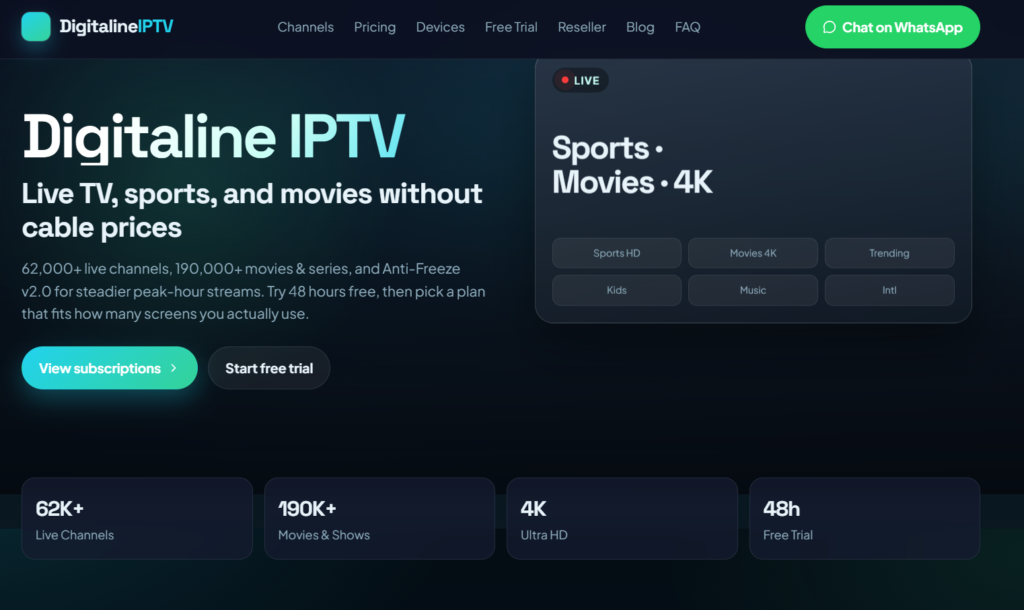
Digitaline publishes one-connection prices of $14 for one month, $36 for three months, $47 for six months and $69 for twelve months. It also lists options for multiple simultaneous screens and an evaluation on request.
For sports, ask support to confirm the specific event and language before ordering. Confirm current evaluation availability rather than assuming it will always be offered immediately before a busy event.
These are published offer details, not evidence of uninterrupted playback. This guide does not certify the site's performance claims.
Smartiflix: our featured option
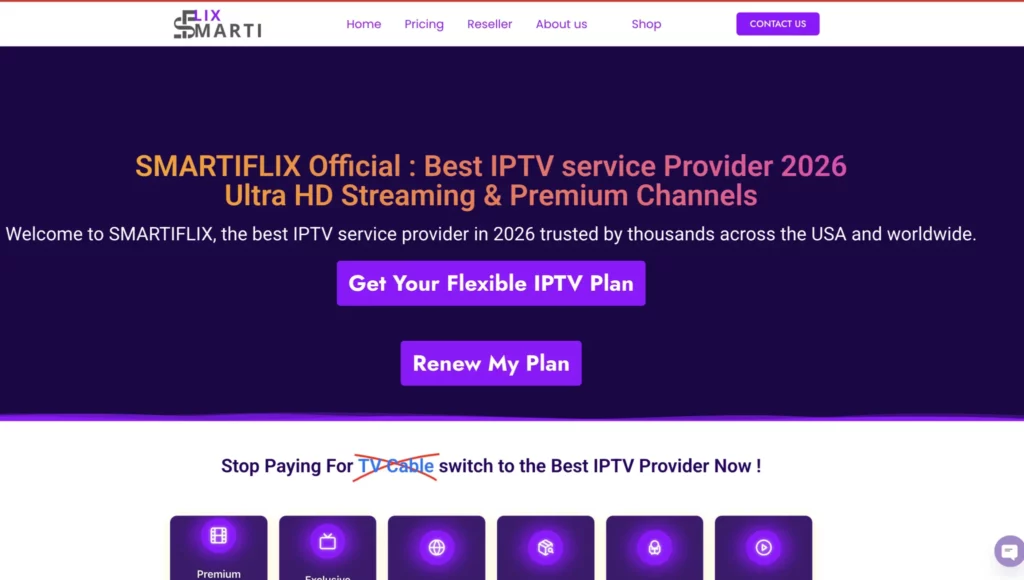
Smartiflix is our featured choice for readers comparing subscription lengths and device allowances. The one-device options are $14 for one month, $36 for three months, $47 for six months and $69 for twelve months. The annual offer advertises 30 extra days.
Before buying for sports, give support the event, date, country and device you intend to use. Ask whether your required content is included and which player supports your setup.
If two people will watch different events simultaneously, choose the corresponding connection allowance. Installing an app on two devices does not by itself permit two concurrent streams.
Compare Smartiflix plans and follow the activation and setup guide.
NIXATV
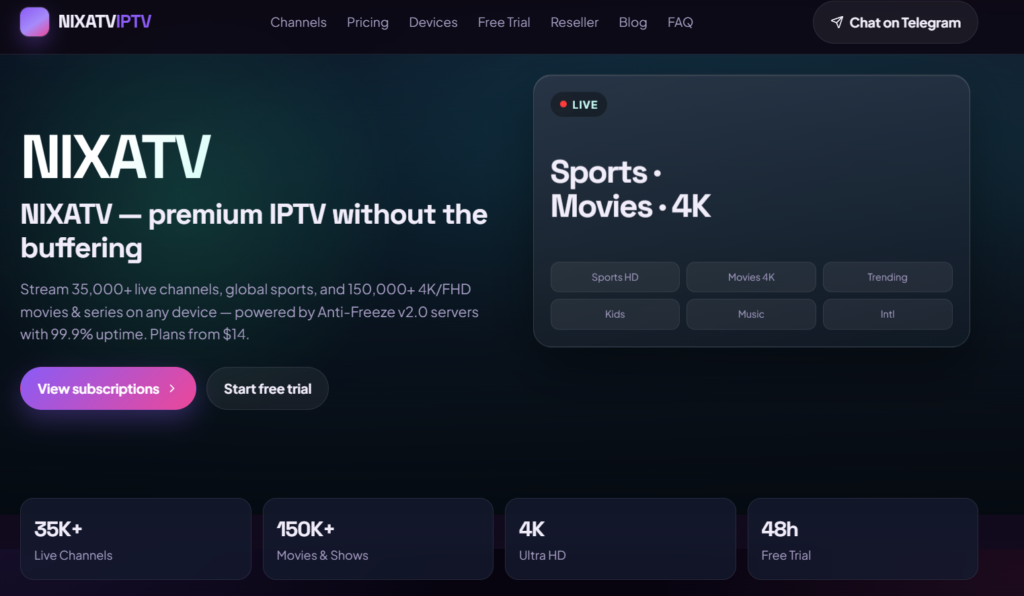
NIXATV advertises plans starting at $14 and lists a trial option. Check the duration, connection allowance and availability directly before comparing that starting price with another provider's full-period offer.
Ask about the exact event rather than relying on broad catalogue totals. Its website makes uptime and anti-freeze claims, but those are provider statements, not independently measured results in this guide.
Confirm your device, player and support route before payment.
Nigma TV
A readable current offer from Nigma TV was not available during this update. Its price, event availability, connection limits and service performance are therefore not verified here.
Obtain those details directly before considering a subscription. Request a clear total price and the conditions relevant to your device, country and planned event.
Trimix IPTV
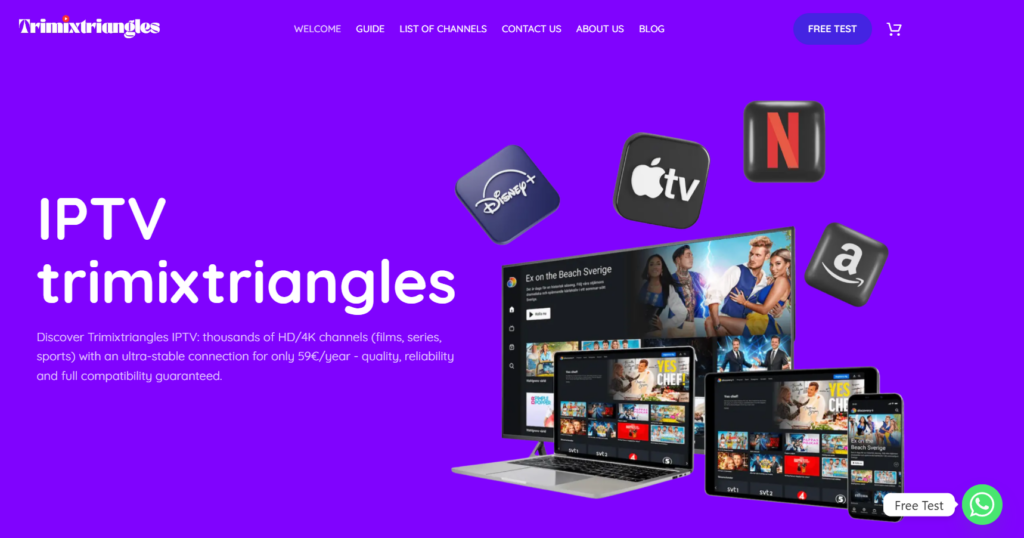
Trimix publishes one-screen offers of €34.99 for six months, €49.99 for twelve months and €89.99 for twenty-four months. The twenty-four-month offer advertises two additional months. Separate two- and three-screen options have different prices.
Its website focuses on France. Confirm service availability for your location, the event you want and your preferred commentary before ordering. Prices are shown in euros; no fixed USD conversion is assumed.
A longer prepaid term is an upfront commitment. Review activation and refund terms rather than choosing only from the monthly equivalent.
Setting Up IPTV for Sports
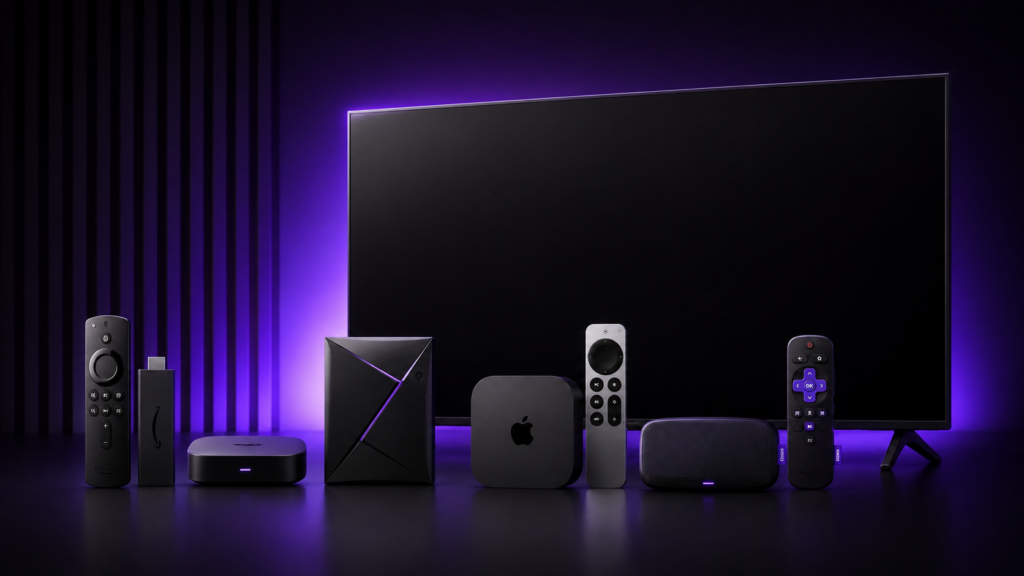
Prepare the device before event day
Identify the exact model and operating system, then choose a player supported by that device and your provider. Store availability and installation methods vary. Do not assume one app or login method works on every television, phone and streaming box.
- Fire TV: use our Firestick compatibility and setup guide, including the distinction between Fire OS and Vega OS models.
- Samsung and LG TVs: check the model and region in the TV's app catalogue. Our Smart TV guide explains player selection and playlist setup.
- Other devices: check the app publisher's supported models and official installation instructions before paying for a player licence.
Use the access format supplied for your player
After activation, use the login or playlist method supported by both the player and provider. Enter the address and credentials exactly as supplied. A portal address, playlist link and account login are not automatically interchangeable.
Check any player licence separately from the subscription. Keep access details private, and contact support if the app's fields do not match what you received.
Check the event listing and viewing controls
Confirm the event in advance, check the programme guide's time zone and save the relevant entry as a favourite where supported. Programme-guide entries can be incomplete or change, so ask support when the listing is unclear.
Try the remote controls, picture and sound before the event. If you need two screens, test your permitted simultaneous setup in advance. Leave time to resolve activation or compatibility problems.
Record useful details if playback fails
| What happens | Information to collect |
|---|---|
| One stream fails | Programme, time, error message and whether other streams work |
| Several streams pause | Connection type, affected devices and whether household traffic changes the result |
| Login is rejected | Player name, activation status and the login method selected |
| The app closes or freezes | Device model, app version and whether restarting changes the result |
Send those details through the provider's official support channel. Avoid posting credentials or full access links in public screenshots.
Choose using your event and setup

Smartiflix is our featured option, but the useful comparison starts with your specific event and device. Confirm availability, language, simultaneous screens, total cost and purchase terms before committing.
For every provider in this guide, published offers are a starting point rather than a guarantee that all events will be available or playback will be uninterrupted. Use an evaluation when offered and judge performance on your own setup.
Does a sports package include every event?
Do not assume it does. Ask about the exact event, date, location and package before payment.
Does a 4K label describe every stream?
No. The available source, player, device and connection all affect the result. Confirm the quality offered for the content you want.
Does installing a player activate the service?
No. Player installation, any app licence and subscription activation are separate steps.
View Smartiflix subscriptions or read our USA IPTV buying guide for wider plan comparisons.

Written by Abhay
Last updated on September 26, 2026 at 7:52 am