
Table of Contents
- Quick answer: how do you watch IPTV on a Mac?
- Check your Mac before downloading an app
- Choose a player for your login format
- Set up an M3U playlist in VLC on Mac
- Set up an Xtream Codes account
- Add guide information and test useful features
- Improve playback without changing everything
- Troubleshoot IPTV on macOS
- Frequently asked questions
- Before you ask for support
IPTV on macOS works through a compatible player or a provider’s supported web player. The important first step is matching the app to your Mac and the login details you received. An M3U playlist, an Xtream Codes account and a portal address require different setup options.
This guide covers MacBook Air, MacBook Pro, iMac, Mac mini and Mac Studio. Start by checking your macOS version and processor, then use the appropriate setup below.
Quick answer: how do you watch IPTV on a Mac?
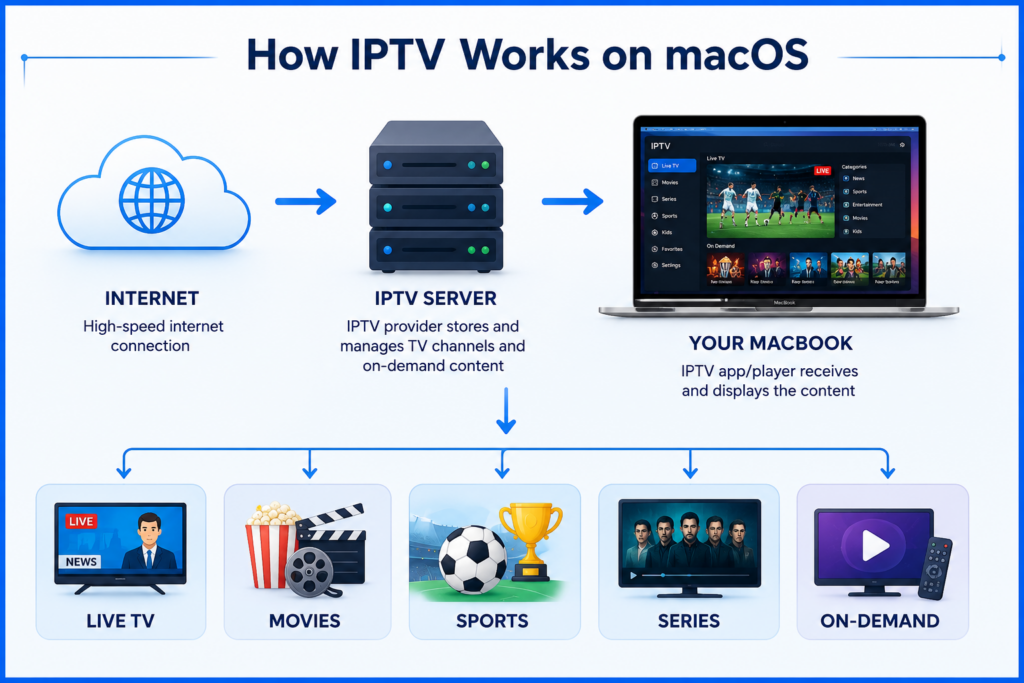
For Smartiflix, check your order instructions for the supported Mac app and login format. With an M3U URL, a compatible desktop player such as VLC can provide a straightforward playback check. With a server address, username and password, choose a player that explicitly supports Xtream Codes. Review the Smartiflix plan and device information before buying a separate app.
Check your Mac before downloading an app
Open the Apple menu and choose About This Mac. Note the macOS version and whether the computer shows an Intel processor or an Apple chip. Compare both with the player’s current requirements. A familiar app name alone does not establish compatibility.
Some iPhone and iPad apps can run on Macs with Apple silicon when made available for Mac. That does not make them Intel Mac apps. Check the Mac App Store listing on your own computer; Apple explains this distinction in its guide to iPhone and iPad apps on Mac. For a mobile device instead, use our iPhone and iPad setup guide.
Choose a player for your login format
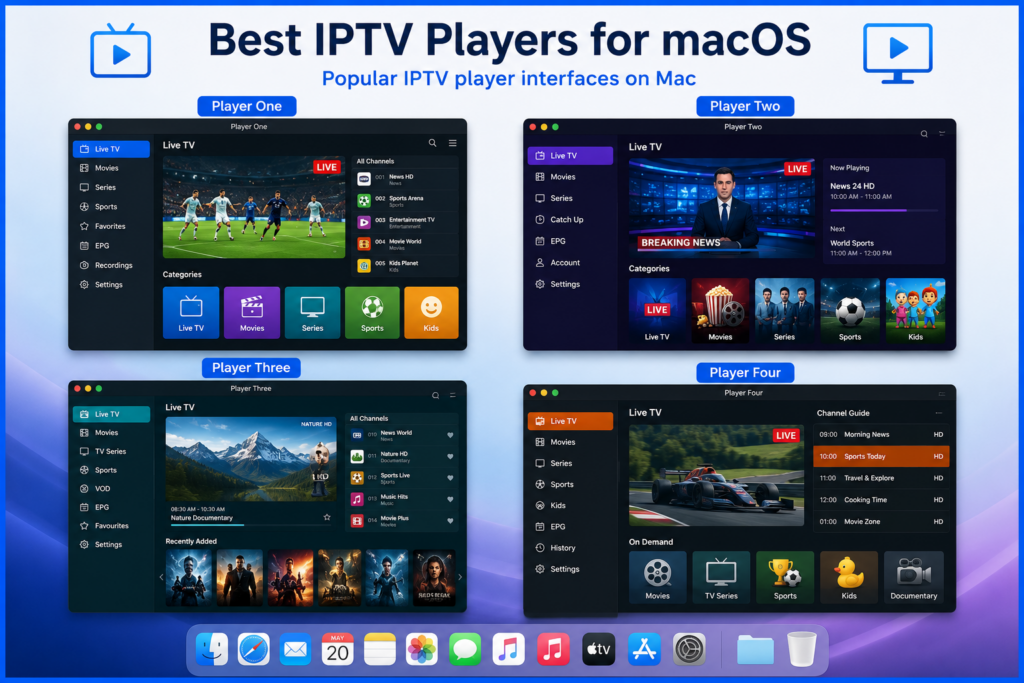
VLC: a free option for playlist playback
VLC is a free, open-source media player. VideoLAN supplies Mac downloads for Intel and Apple silicon, including a universal build. Get the installer from VideoLAN’s official Mac download page and check its system requirements. Use a provider-supplied M3U playlist or supported stream URL; do not expect a dedicated Xtream Codes account screen.
An IPTV player with Xtream Codes support
If your provider gives you a server address, username and password, check that the specific Mac app supports those fields. Verify the developer, Mac compatibility, price and trial conditions before paying. Similar Smarters or GSE names can refer to different listings; an iPhone listing is not proof of a native macOS version.
Kodi: an option for a media-centre interface
Kodi’s IPTV Simple Client supports M3U playlists and XMLTV programme-guide sources. It needs configuration and a source you supply. Check the official IPTV Simple Client documentation for the settings matching your Kodi version. Installing an add-on does not include a content subscription.
Choose according to your needs: basic playback, favourites, a programme guide or a library interface. Player fees and the provider’s subscription are separate unless the offer expressly includes both.
Set up an M3U playlist in VLC on Mac
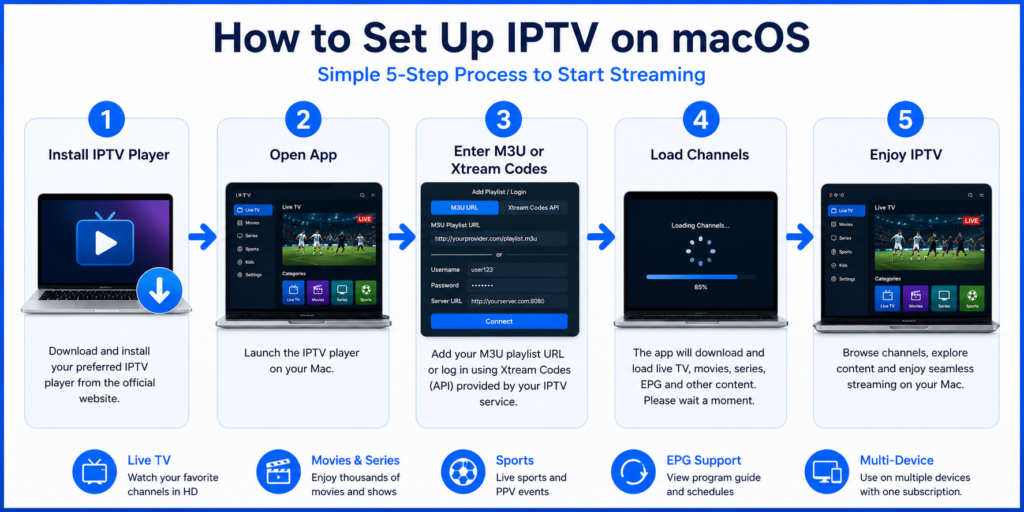
Install the Mac version from VideoLAN and open VLC. For a playlist URL, use File > Open Network, paste the complete address supplied by your provider and choose Open. For a downloaded M3U file, use File > Open File and select it. Menu wording can vary with the version or language.
Allow the playlist to load, open the playlist view if needed and select an entry. Importing a list does not download all its films or programmes for offline use; playback still depends on the source and your connection.
Keep the full URL, including its parameters, intact. Remove accidental spaces or line breaks. A programme-guide URL is not the same as a playlist URL, and a portal address cannot simply replace an M3U address. Ask the provider for the correct format if you are unsure.
Set up an Xtream Codes account
Use these steps only in an app that supports this login type. Open its account or playlist screen, select Xtream Codes or the equivalent option, then enter the server address, username and password into their separate fields.
Keep the supplied http or https prefix and any port number. Do not paste a full M3U URL into the server field. Streaming credentials can differ from your website account login. Save the account, wait for the available categories to load and test one stream.
If your provider only supplies a portal login, request instructions for a compatible Mac player. Do not assume that every player supports every login method.
Add guide information and test useful features
In a player that supports an external guide, add the provider’s XMLTV URL to its EPG or programme-guide field. Refresh the guide and check the time zone. Some entries may have no schedule data even when video playback works.
Test favourites, subtitles and audio-track selection individually. Catch-up, recording and multiple simultaneous streams depend on the source, subscription and app. A feature in the player’s menu is not a guarantee that your account includes it.
Improve playback without changing everything
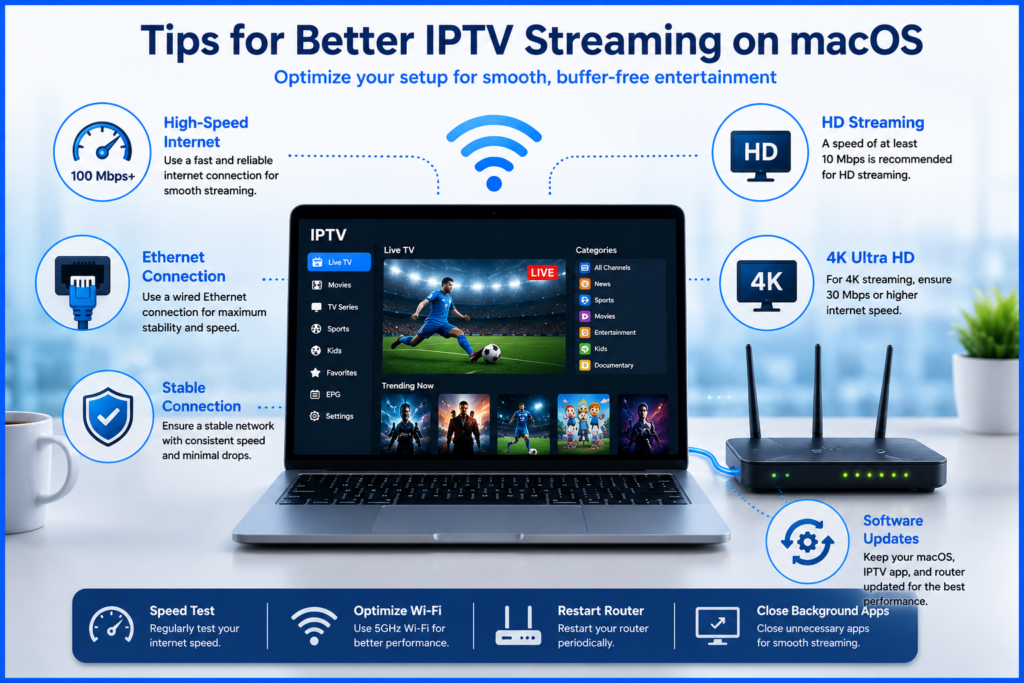
Test in the place where you normally use the Mac. If Wi-Fi is unreliable, compare it with Ethernet using a compatible adapter where necessary. Pause large downloads or cloud uploads during the comparison. A high speed-test result does not guarantee that the particular stream will be stable.
There is no universal speed threshold for every HD or 4K stream: bitrate, encoding and other household traffic affect the requirement. Try a lower-bitrate version when available. Keep your player and supported macOS software updated, and change one setting at a time so you can tell what helped.
For a useful first test, watch one item for several minutes, then try a different source and an on-demand item if your plan includes one. Note whether the problem follows the whole account or only a particular stream.
Troubleshoot IPTV on macOS
The app will not install or open
Confirm its minimum macOS version and processor requirements. Download again from the verified developer source if the installer is incomplete. If macOS reports a security problem, read the exact message and contact the developer; do not disable system protections just to run an unknown installer.
The playlist is empty or login fails
Check account activation, expiry and the login format. Recopy credentials without extra spaces. Confirm that the server address has not changed and that another device is not consuming the plan’s connection allowance. Keep playlist URLs private because they may contain a username and password.
There is sound but no picture
Try another item and check whether the problem affects only one format or stream. Update the player, then compare the same authorised source in another supported player if possible. Tell support the Mac model, macOS version and affected item; a decoder or source-format problem needs different investigation from a login error.
Video buffers even though the internet seems fast
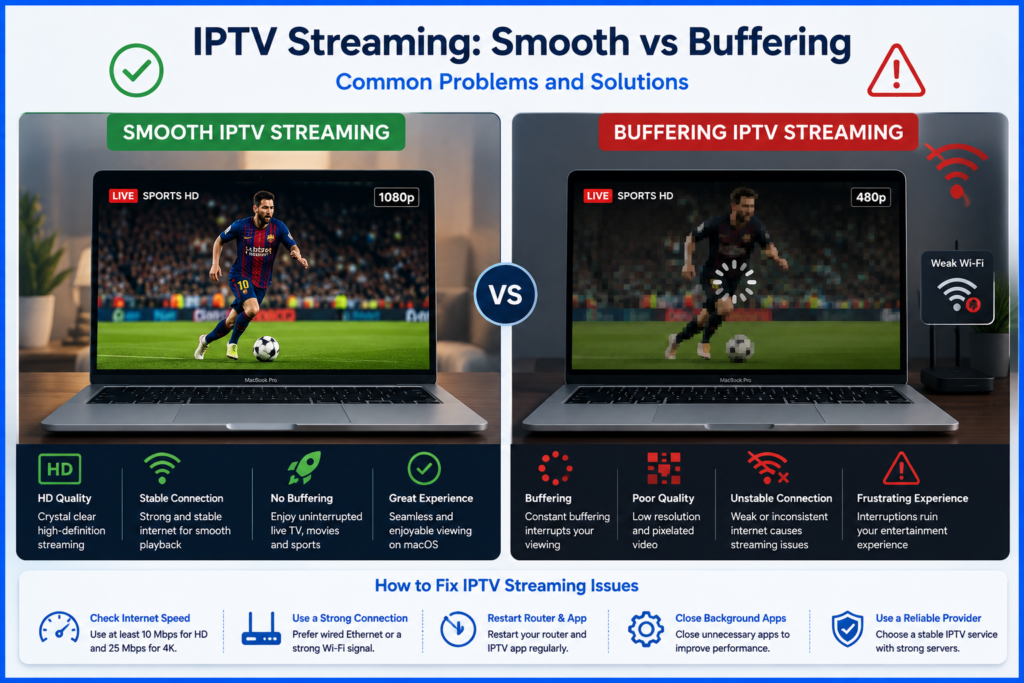
Compare a known working video in another app on the same Mac. If everything struggles, investigate the local connection first. If only one IPTV source fails, note the time and affected items and report them to the provider. Test a wired connection or a lower-bitrate stream before assuming a faster broadband plan will solve it.
The guide is blank or shows the wrong times
Confirm that the app supports the guide format and that you entered the guide URL in the correct field. Refresh its data and check the Mac’s time zone. Ask the provider whether guide data exists for the affected entries; re-entering video credentials may not fix missing schedule data.
Frequently asked questions
Can I watch without installing another app?
Possibly, if your provider offers a web player that supports your browser and account. Use the provider’s verified address. A random website that asks for your playlist or password is not a substitute for an official web player.
Will the same app work on an Intel Mac and an Apple silicon Mac?
Only if the developer supports both configurations. Check the current Mac download or App Store requirements. The ability to run some iPhone or iPad apps on Apple silicon does not extend that compatibility to an Intel Mac.
Does a free player include free television?
A media player supplies playback software. It does not establish your access to a subscription or a provider’s distribution rights. Check what the source includes and whether it is authorised for your location before subscribing.
Can I watch 4K on my Mac?
That depends on the actual source, codec, player, hardware and display. A 4K label in a playlist is not proof of native 4K quality. Test the supplied stream on your own setup before choosing a plan for that feature.

Before you ask for support
Send the app name and version, Mac model, macOS version, login format and exact error. Say whether the problem affects every item or only a few, and whether Ethernet or another supported player changes the result. Hide passwords and playlist tokens in screenshots. These details make support more useful than simply reporting that IPTV does not work.

Last updated on September 26, 2026 at 7:50 am